


Understanding Your Homeyhuts Account & Property Structure
Understanding how your Homeyhuts account and properties are organised will make it easier to manage your listings. Your Homeyhuts Account Your Homeyhuts account is your main access point to the platform. From your account, you can manage your properties, bookings, pricing, availability and other hosting activities.
What Types of Properties Can You List on Homeyhuts?
Homeyhuts is designed for homestays, vacation rentals, villas, holiday homes, apartments and similar short-term rental properties.
Homeyhuts does not support traditional hotel-type properties.
If your property operates like a hotel with standard hotel room inventory and hotel-style operations, it may not be suitable for listing on Homeyhuts.
Your Properties
A property is the accommodation you manage on Homeyhuts.
For example:
- A villa
- A homestay
- A holiday home
- An apartment
- A guest house
- A multi-unit vacation rental
You can manage multiple properties from the same Homeyhuts account.
Property vs Room / Unit Listings
A property can be offered to guests in different ways.
For example, a villa with five rooms can be offered as:
- The entire villa
- Individual rooms
- Multiple rooms together
The way you set up your property on Homeyhuts should match how it is listed on your other booking platforms.
Managing Multi-Unit Properties with Magic Cluster
If you have a property with multiple rooms or units, Magic Cluster can help keep the related listings connected and prevent conflicting bookings.
For example, you may have:
Property: 5-bedroom villa
Individual listings:
- Bedroom 1
- Bedroom 2
- Bedroom 3
- Bedroom 4
- Bedroom 5
You can also offer the entire villa as a separate listing.
An important requirement
For Magic Cluster to work correctly across your booking platforms, the individual room or unit listings must be set up separately on all the relevant OTAs at the same time.
For example, if you want to manage five individual rooms through Magic Cluster:
Airbnb: Room 1 + Room 2 + Room 3 + Room 4 + Room 5
Booking.com: Room 1 + Room 2 + Room 3 + Room 4 + Room 5
MakeMyTrip: Room 1 + Room 2 + Room 3 + Room 4 + Room 5
The room or unit structure needs to match across the connected platforms.
If individual rooms are listed separately on only one platform but combined into a single listing on another, the listings cannot be correctly matched and managed through Magic Cluster.
Why does this matter?
Magic Cluster uses the relationship between your individual room or unit listings to coordinate availability.
For example:
- If the entire property is booked, the individual rooms can be blocked.
- If individual rooms are booked, the availability of the entire property can be updated.
- When one unit becomes unavailable, the related listings can be updated accordingly.
This helps you offer your property in different ways while reducing the risk of conflicting bookings.
Your Connected Platforms
If you list the same property on other booking platforms, those listings can be connected to Homeyhuts.
Once connected, Homeyhuts helps keep relevant booking, availability and pricing information updated across the connected platforms.
Why Your Property Structure Matters
Setting up your property correctly from the beginning makes it easier to:
- Manage multiple properties
- Manage individual rooms or units
- Track bookings
- Update pricing
- Manage availability
- Connect your booking platforms
- Reduce the risk of double bookings
Before you get started
Make sure you know:
What type of property you have → How you want to sell it → How it is listed across your booking platforms.
A clear and consistent property structure makes your Homeyhuts setup much smoother.
One account. Multiple properties. One place to manage your hosting.
Was this article helpful?
Related in Homeyhuts App Tutorials
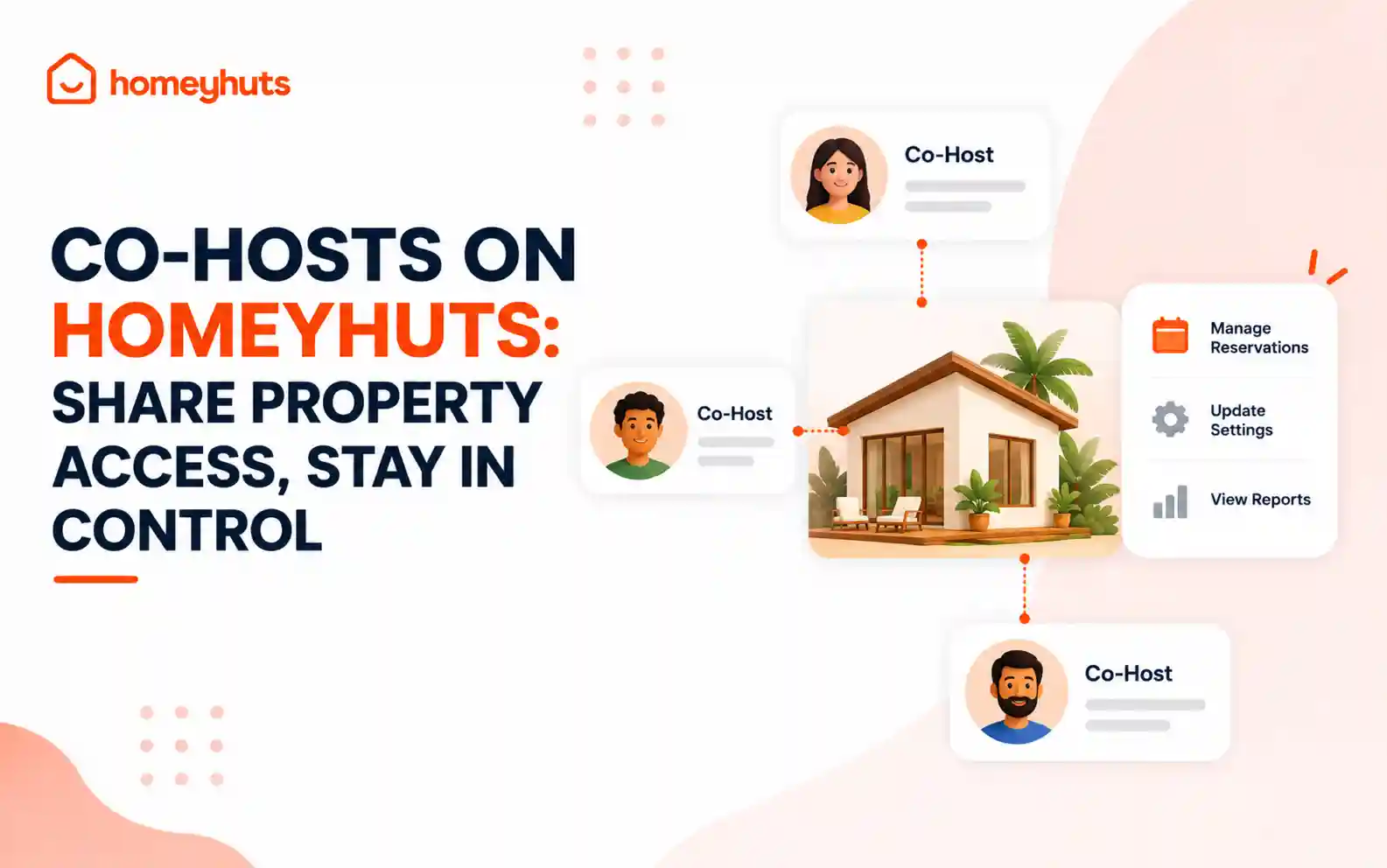
Co-Hosts on Homeyhuts: Share Property Access, Stay in Control
Invite up to 10 co-hosts to help manage your property on Homeyhuts. Choose exactly what each co-host can view or manage, customise their access at the listing level, and track their activity—all without sharing your login credentials.
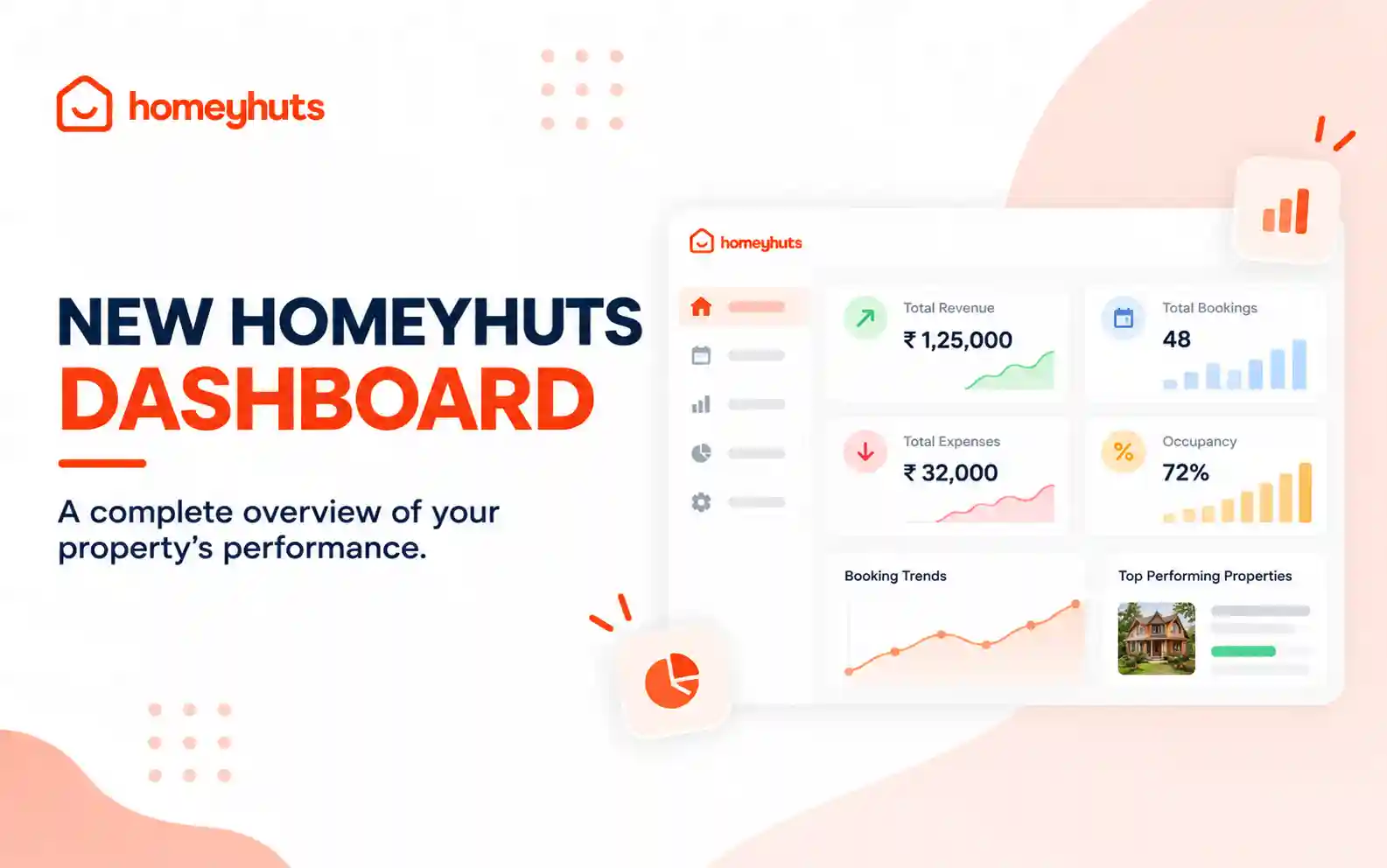
New Homeyhuts Dashboard: A Complete Overview of Your Property's Performance
Get a complete view of your property's financial performance, bookings, expenses, and occupancy with the new Homeyhuts Dashboard. Track revenue, analyze booking trends, compare property-wise performance, and monitor upcoming occupancy all in one place.
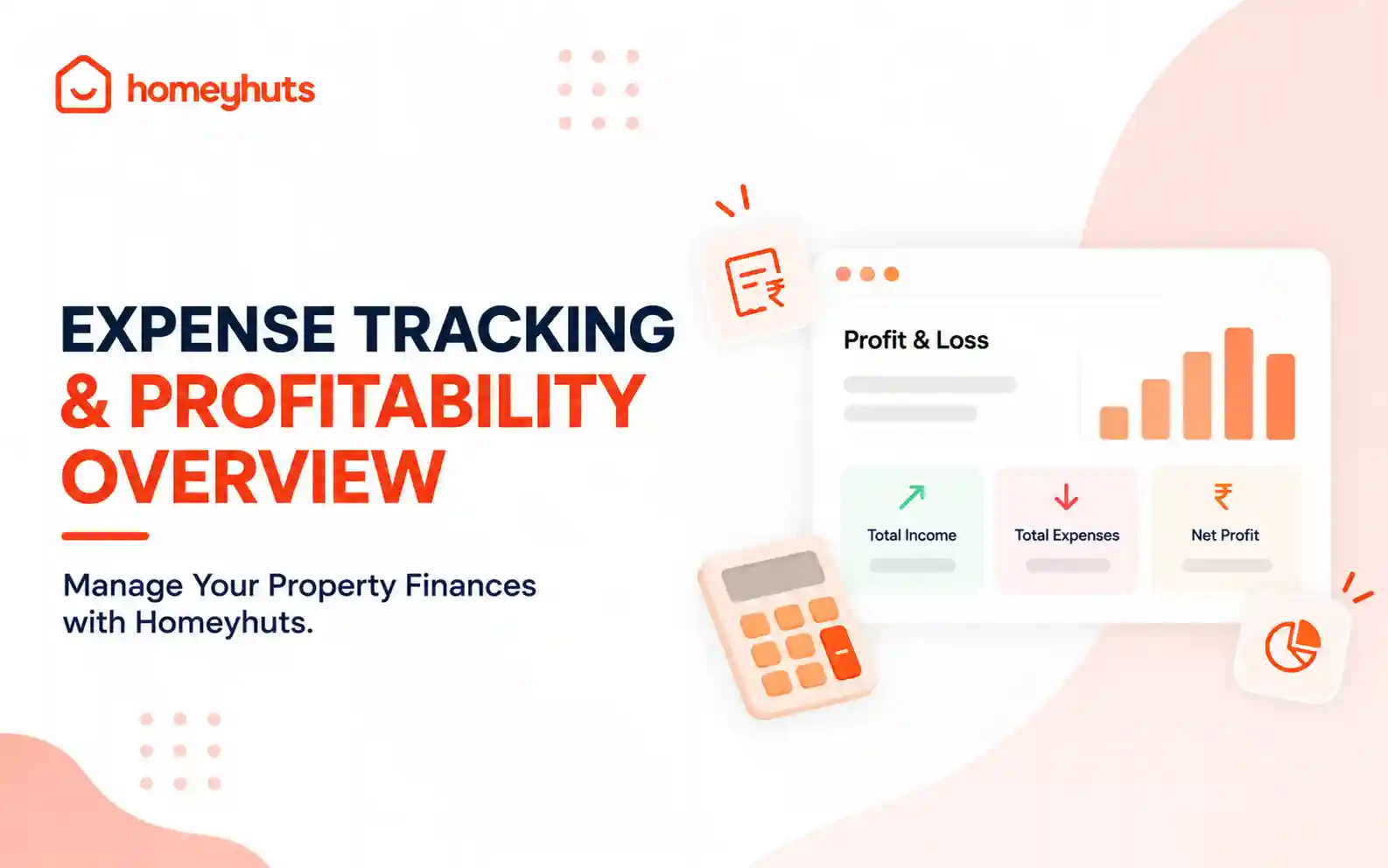
Expense Tracking & Profitability Overview: Manage Your Property Finances with Homeyhuts
Track and manage your property expenses with Homeyhuts. Record spending, organise expenses, and view your property's earnings, total expenses, and net income through a property-wise Profit & Loss (P&L) statement all in one place.