


How to Manage Multiple Properties on Homeyhuts
Managing multiple properties doesn't have to be complicated. The Homeyhuts Host Control Center allows you to oversee all your listings from a single dashboard, making it easy to switch between properties, update calendars, monitor performance, and compare revenue across different booking channels. Whether you manage a few homestays or an entire portfolio of vacation rentals, this guide will show you how to efficiently manage all your properties from one place.
Managing Your Multi-Property Portfolio
The Properties section in the Host Control Center acts as your central workspace for managing every property you've listed on Homeyhuts.
From here, you can quickly access individual listings, update pricing and availability, review analytics, and track the performance of each property.
Step 1: Open the Host Control Center
Log in to your Homeyhuts account.
From your profile, open the Host Control Center.
Navigate to the Properties tab.
Here you'll find all your listed properties in one place.
Step 2: Switch Between Properties
If you manage multiple listings, simply select the property you'd like to view or update.
Each property's dashboard gives you access to its listing details, calendar, pricing, reservations, and other management tools.
Switching between properties takes just a few clicks, making it easy to manage your entire portfolio from a single account.
Step 3: Update Calendar and Pricing in Bulk
Need to update pricing or availability for an upcoming holiday or peak season?
Open the required property and navigate to the Calendar tab.
Click Bulk Update in the top-right corner.
Select the date range you want to update.
From here, you can:
- Update room pricing
- Block or unblock dates
- Change availability settings
- Apply changes across multiple dates at once
Bulk updates save time and eliminate the need to edit each date individually.
Step 4: View Property Analytics
To review your property's performance, navigate to the Analytics section.
Select the property you want to analyze.
Here, you can view important insights such as:
- Revenue generated
- Booking trends
- Occupancy performance
- Financial reports
- Payout reports
These reports help you understand how each property is performing over time.
Step 5: Compare Property Performance
If you own multiple properties, Homeyhuts also allows you to compare their performance.
Within the Analytics section, you can compare:
- Revenue across properties
- Booking performance
- Occupancy trends
- Performance across different Online Travel Agencies (OTAs)
These insights help you identify your best-performing properties and make informed pricing and business decisions.
Example
Imagine you manage three holiday homes in different locations.
A festival weekend is approaching, and you want to increase prices for one property while blocking dates for maintenance on another.
Using the Properties tab, you can quickly switch between listings, apply bulk pricing updates, review occupancy reports, and compare revenue—all without logging into multiple accounts.
Things to Remember
- Manage all your properties from a single Homeyhuts account.
- Use Bulk Update to save time when updating pricing or availability.
- Review Analytics regularly to monitor occupancy and revenue.
- Compare property performance to identify opportunities for growth.
- Keep your calendars and pricing updated to maximize bookings.
Pro Tip
If you manage multiple properties, review your Analytics dashboard every week. Comparing occupancy, revenue, and booking trends across your portfolio can help you identify which properties need pricing adjustments, marketing improvements, or calendar updates to maximize revenue.
Was this article helpful?
Related in Homeyhuts App Tutorials
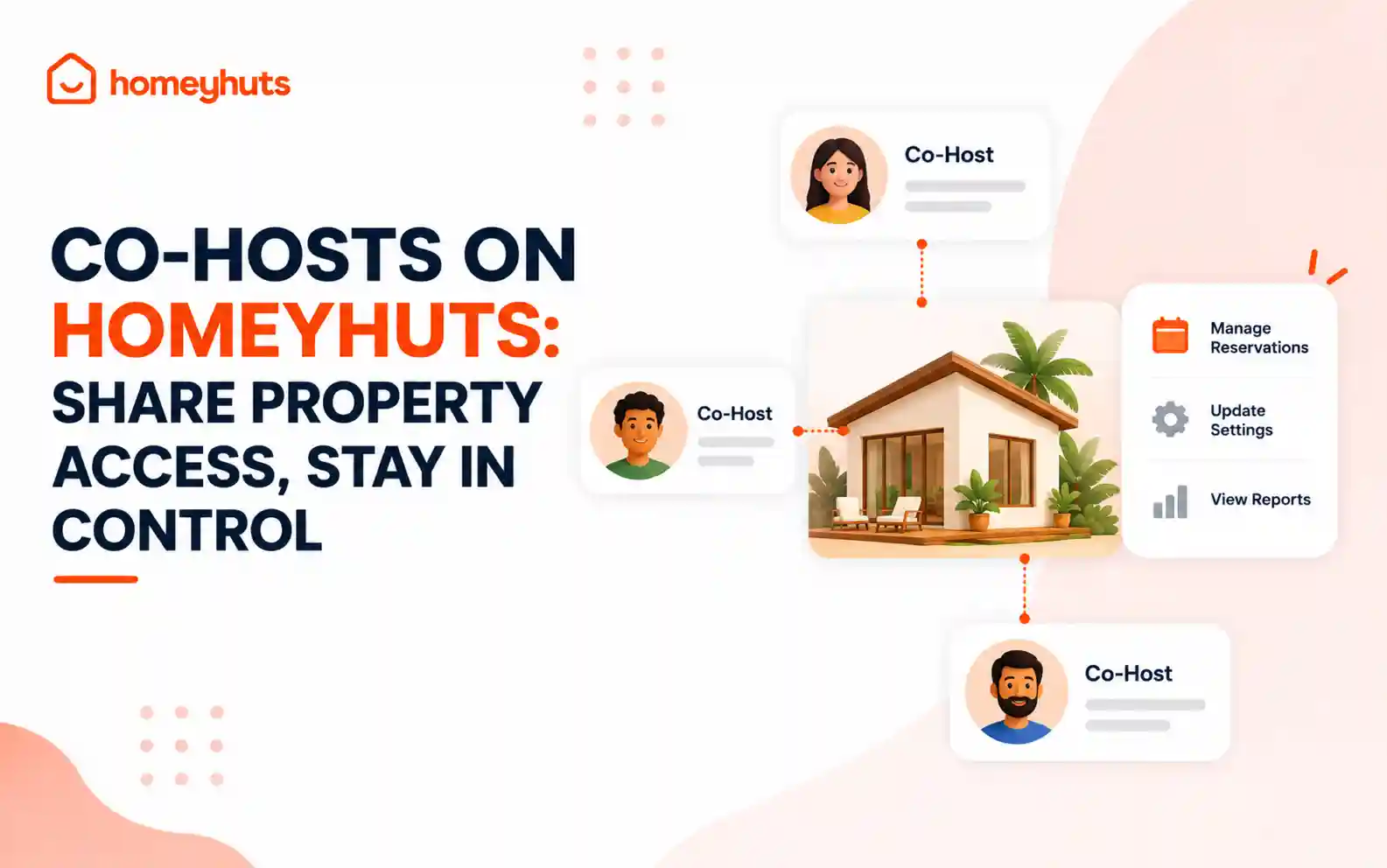
Co-Hosts on Homeyhuts: Share Property Access, Stay in Control
Invite up to 10 co-hosts to help manage your property on Homeyhuts. Choose exactly what each co-host can view or manage, customise their access at the listing level, and track their activity—all without sharing your login credentials.
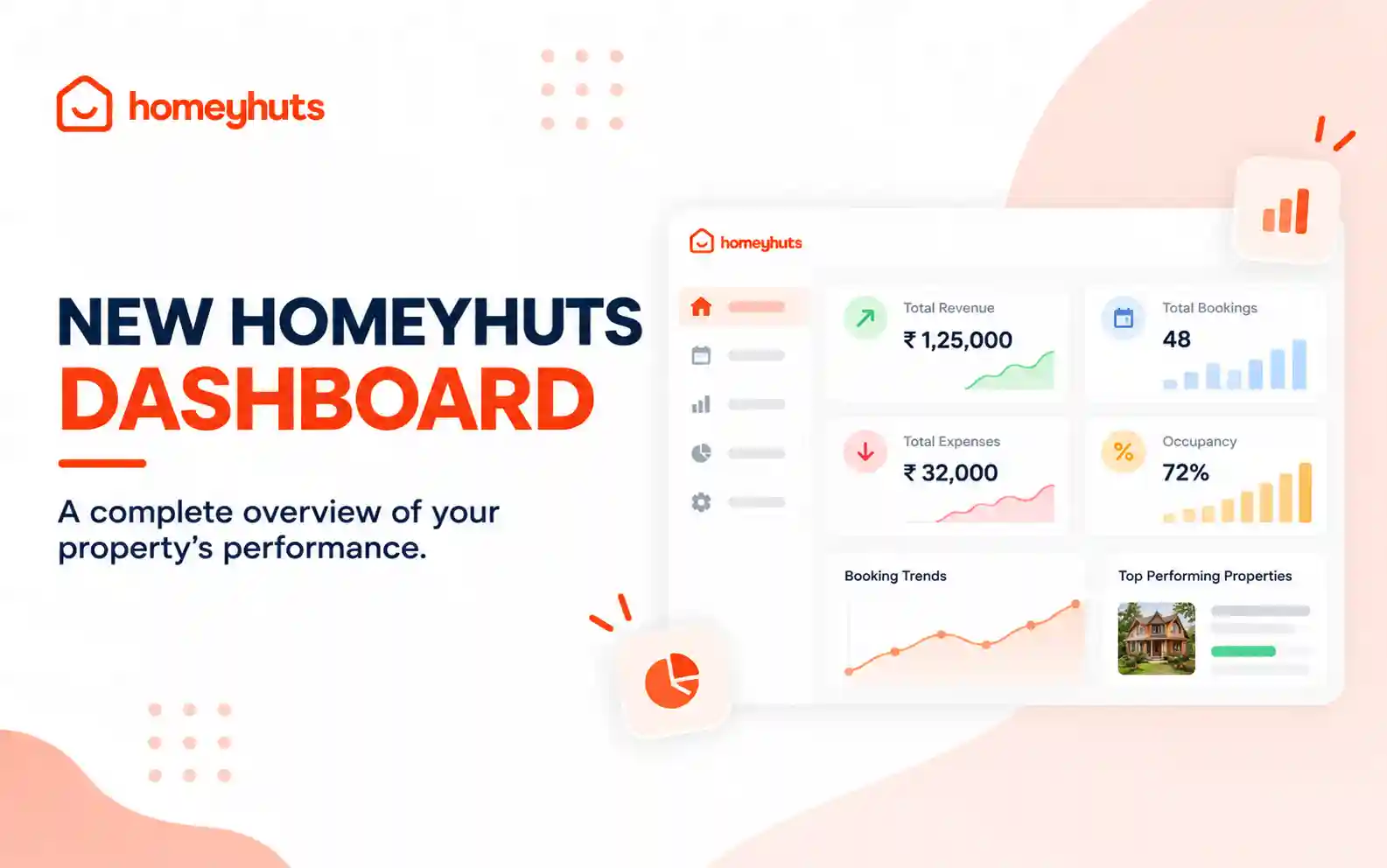
New Homeyhuts Dashboard: A Complete Overview of Your Property's Performance
Get a complete view of your property's financial performance, bookings, expenses, and occupancy with the new Homeyhuts Dashboard. Track revenue, analyze booking trends, compare property-wise performance, and monitor upcoming occupancy all in one place.
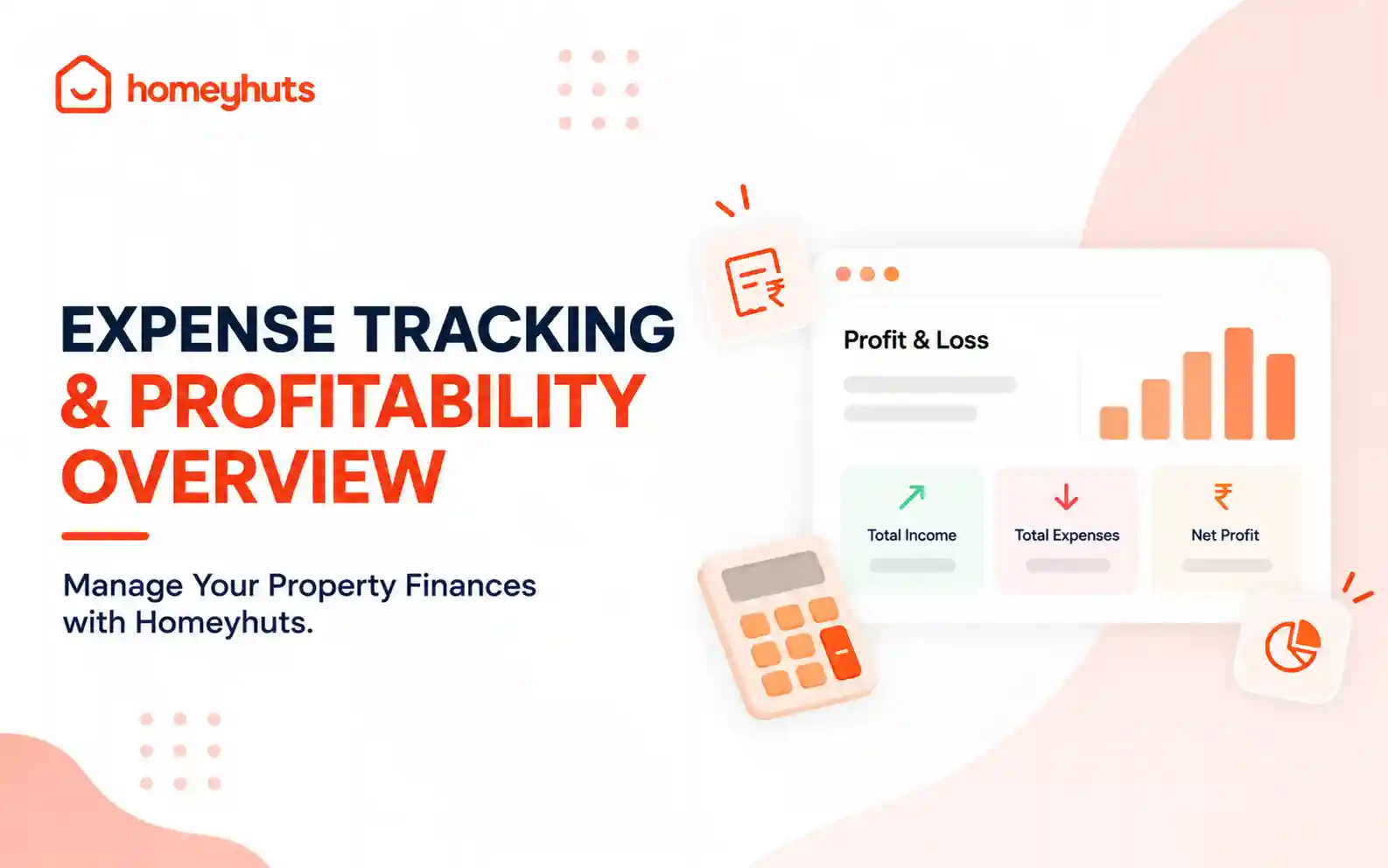
Expense Tracking & Profitability Overview: Manage Your Property Finances with Homeyhuts
Track and manage your property expenses with Homeyhuts. Record spending, organise expenses, and view your property's earnings, total expenses, and net income through a property-wise Profit & Loss (P&L) statement all in one place.