


How to Download Booking Reports
Export your booking reports from Homeyhuts in Excel format to analyze reservations, track revenue, reconcile bookings, or maintain your own records. This guide explains how to filter and download reports in just a few steps.
How to Download Booking Reports
The Homeyhuts reporting tool allows you to export your booking data as an Excel file, making it easy to analyze reservations, track revenue, share reports with your accountant, or maintain your own records.
How to Download a Report
Step 1: Open the Reservations Tab
Log in to your Homeyhuts account and navigate to the Reservations section.
Step 2: Select the Date Range
Use the Check-In Date filter to choose the reporting period you want to export.
Step 3: Apply Filters
Refine your report by applying one or more filters based on your requirements.
Available filters include:
- Property: Select a specific property or keep All Properties selected.
- Booking Source: Filter bookings by platform, such as Airbnb, Homeyhuts Direct, Goibibo, or other connected channels.
- Reservation Status: Filter by booking status, if required.
- Other Available Filters: Apply any additional filters relevant to your report.
Step 4: Download the Report
After applying your filters, click Download.
Your report will be exported as an Excel (.xlsx) file and downloaded to your device.
What's Included in the Report?
The exported report contains the booking information that matches your selected filters, including:
- Booking ID
- Guest details (where applicable)
- Booking amount
- Booking source
- Check-in and check-out dates
- Number of nights
- Reservation status
Tips for Better Reporting
- Download reports monthly to maintain organized records.
- Select the 1st to the last day of the month for complete monthly reporting.
- If you manage multiple properties, generate separate reports for each property to simplify reconciliation and performance tracking.
- Filter by booking source to review platform-specific revenue and payouts.
- Cancelled reservations are included in the report and clearly marked with their status for easier tracking.
Pro Tip
Downloading a report at the beginning of each month is a simple way to keep a complete record of your previous month's bookings, occupancy, and revenue. Regular reporting also makes accounting and performance reviews much easier.
Need Help?
If you require additional reporting assistance or need help understanding your booking data, please contact Homeyhuts Host Support, and our team will be happy to assist you.
Was this article helpful?
Related in Homeyhuts App Tutorials
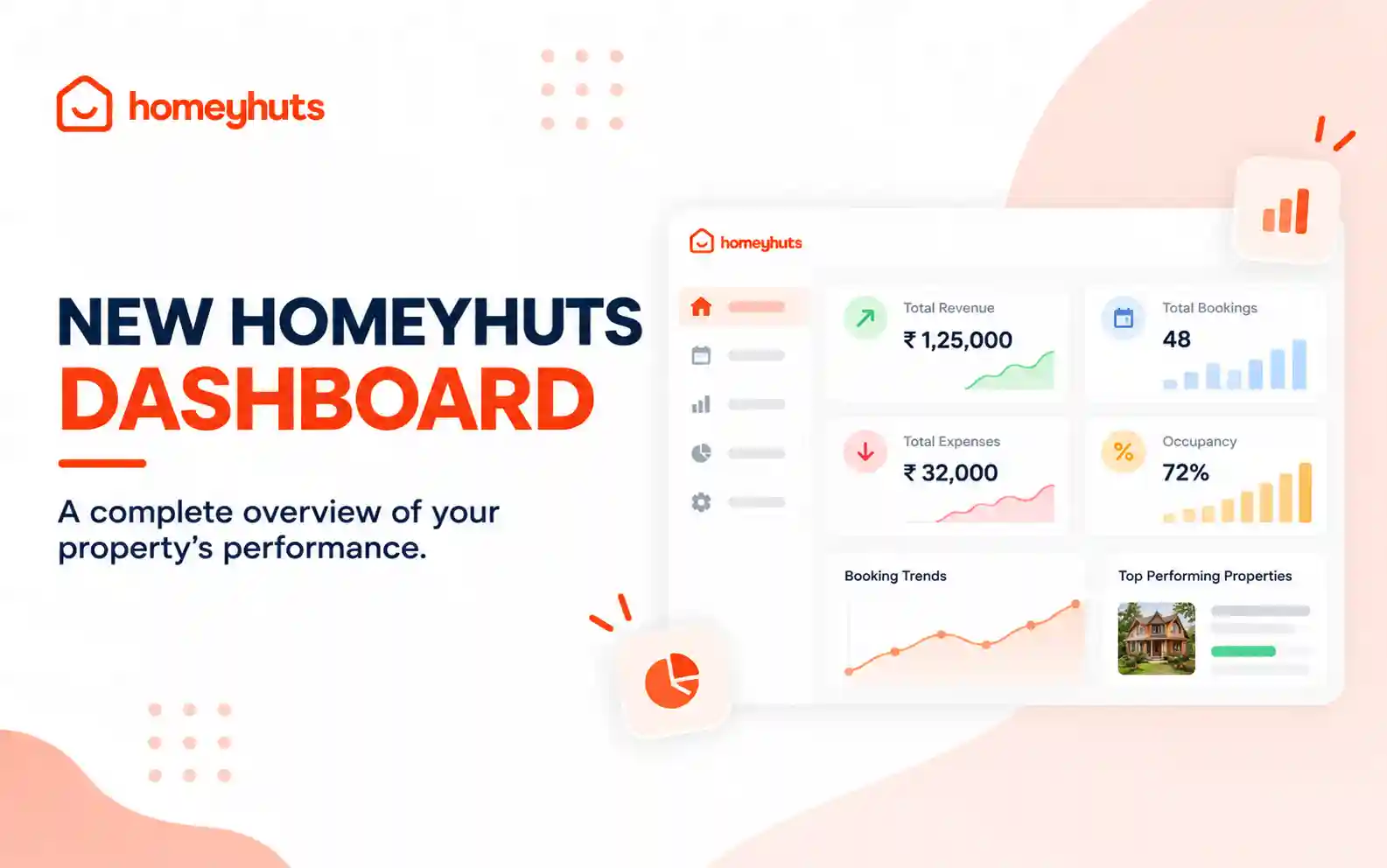
New Homeyhuts Dashboard: A Complete Overview of Your Property's Performance
Get a complete view of your property's financial performance, bookings, expenses, and occupancy with the new Homeyhuts Dashboard. Track revenue, analyze booking trends, compare property-wise performance, and monitor upcoming occupancy all in one place.
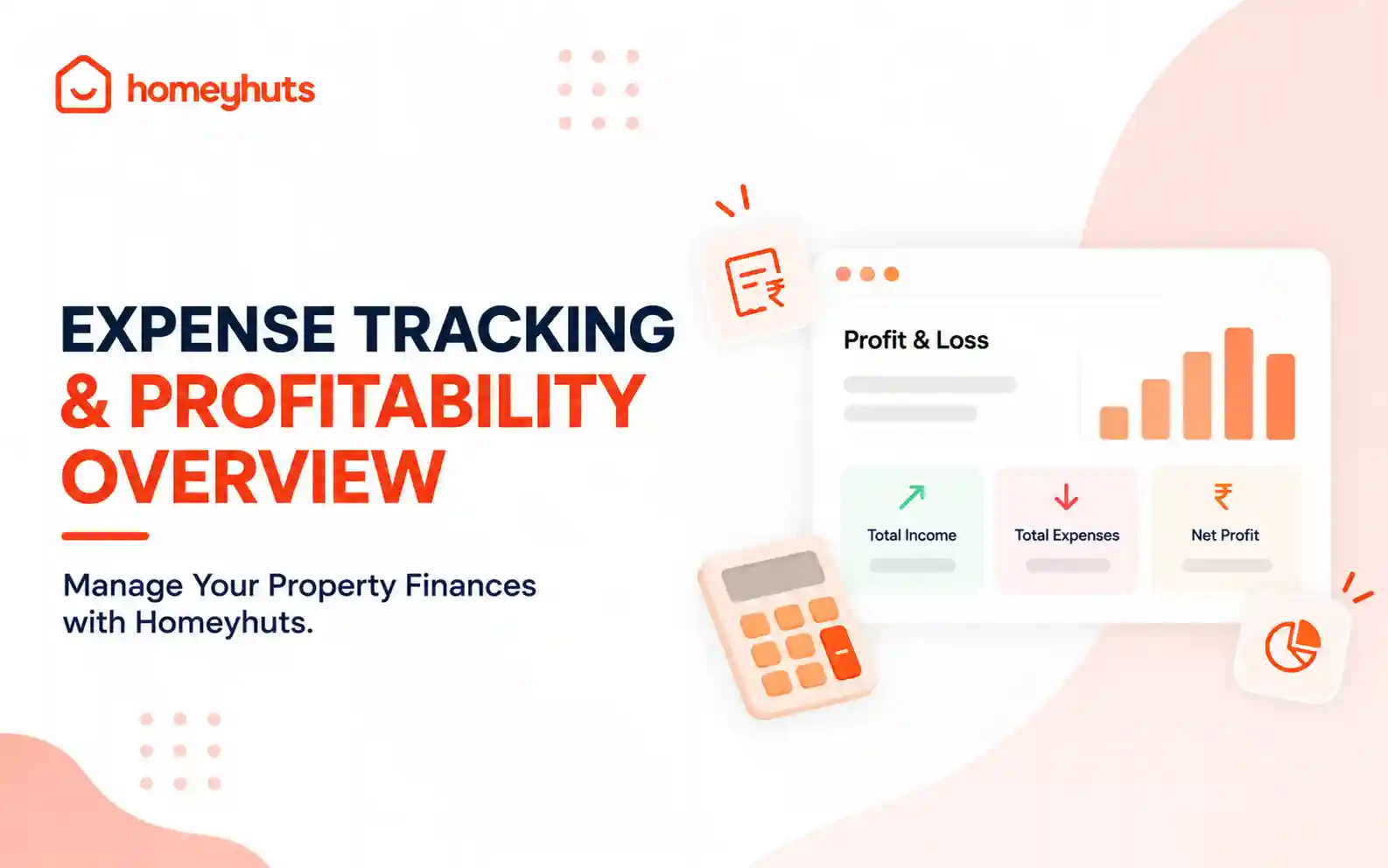
Expense Tracking & Profitability Overview: Manage Your Property Finances with Homeyhuts
Track and manage your property expenses with Homeyhuts. Record spending, organise expenses, and view your property's earnings, total expenses, and net income through a property-wise Profit & Loss (P&L) statement all in one place.
Discover How Homeyhuts Can Simplify Your Homestay Business
Explore how Homeyhuts brings your bookings, operations, pricing, guests, and business management together in one powerful platform.