


Why Is My Property Not Getting Booked? Common Mistakes & Fixes with Homeyhuts
Struggling to increase bookings for your homestay? This expert guide by Homeyhuts reveals 7 common mistakes hosts make and how to fix them to get more bookings and grow your vacation rental business.
You’ve listed your homestay, made the space guest-ready, and are excited to welcome travelers. But despite your efforts, you’re asking: “Why am I not getting bookings?”
At Homeyhuts, we’ve seen this happen to even the best hosts. Whether you’re just starting out or have been hosting for a while, there are common oversights that can reduce your homestay booking rate.
In this guide, we’ll walk you through 7 common reasons your homestay isn’t getting booked, along with actionable ways to increase bookings, improve visibility, and become a high-performing host.
1. Poor Quality Photos Are Hurting Your Booking Rate
Guests scroll through listings quickly—and high-quality photography is what grabs their attention. Low-resolution or poorly framed images can significantly reduce your vacation rental bookings.
What to do:
- Use bright, high-resolution photos.
- Showcase each key space (bedrooms, bathrooms, views).
- Capture moments: breakfast on the balcony, a cozy reading nook, or a bonfire setup.
- Include photos during the golden hour for a natural, inviting glow.
Great visuals not only get you noticed—they directly help boost your bookings.
2. Generic or Incomplete Listing Description
A weak description creates doubt. If guests can’t understand what you offer, they’ll skip your listing.
What to do:
- Clearly list all amenities, room configurations, check-in details, and nearby attractions.
- Mention features guests care about: Wi-Fi speed, parking, safety, proximity to nature or markets.
- Highlight what sets you apart (heritage design, rooftop views, pet-friendly policy).
A clear, keyword-rich listing is essential to improve homestay bookings.
3. Your Pricing Strategy Is Off
If your pricing is too high for what you offer—or too low to inspire trust—it can lead to poor visibility and fewer bookings.
What to do:
- Benchmark against similar properties on Homeyhuts.
- Use competitive pricing for homestays, adjusting rates seasonally.
- Offer smart deals: early-bird, last-minute, or long-stay discounts.
Accurate pricing improves your chances of being booked and keeps you competitive in the vacation rental market.
4. You Have No 5- Star Reviews
Guests want reassurance. A listing with zero or very few reviews struggles to earn trust—especially if you’re competing with well-reviewed homes.
What to do:
- Gently remind guests to leave reviews post-checkout.
- Provide a great guest experience—cleanliness, warm hospitality, quick communication.
- Respond to every review to show engagement.
Good reviews don’t just build credibility—they’re one of the fastest ways to get more bookings.
5.Be Responsive to Guest
In the fast-moving world of travel bookings, slow responses can cost you a reservation. Travelers often book the first host who replies with clarity.
What to do:
- Turn on notifications in your App.
- Use auto-responses for FAQs (check-in, location, amenities).
- Enable instant booking (if suitable) to reduce friction.
Fast replies lead to faster confirmations—and higher booking conversion rates.
6. Your Calendar Is Not Regularly Updated
An out-of-date calendar hurts your listing's visibility. Even if your place is perfect, guests won’t see it if it shows “unavailable.”
What to do:
- Regularly update your availability.
- Open up weekends, long weekends, and festivals in advance.
- Sync calendars if you're on multiple platforms to avoid double bookings.
Updated calendars help your property show up in more searches—and increase bookings effortlessly.
7. You're Not Highlighting What Makes Your Property Book-Worthy
In a sea of listings, guests want a story. If your property blends in, you’re missing an opportunity to stand out and attract more bookings.
What to do:
- Lead with your Unique Selling Point: mountain view, lakeside location, private garden, or heritage vibe.
- Use powerful listing titles: “Himalayan Villa with Private Bonfire Area” or “Peaceful Family Stay Near Bhimtal Lake.”
- Mention any exclusive guest experiences: nature walks, home-cooked meals, cultural activities.
Effective homestay marketing begins with clear differentiation—and it leads directly to better bookings.
If your homestay isn’t getting booked, it’s time to take a fresh look at your listing strategy. With better photos, optimized pricing, a well-maintained calendar, and faster replies, you can see a noticeable lift in your booking performance.
At Homeyhuts, we’re committed to helping you succeed. Our platform, tools, and dedicated Host Success Team are designed to help you consistently increase bookings and build a thriving hosting business.
Ready to make the most of your hosting journey? Partner with Homeyhuts to simplify property management and maximize your rental potential. Our platform offers cutting-edge solutions to help you attract more guests and achieve greater success.
Visit: Homeyhuts | Homestays & Unique Vacation Rentals in India | Hosts Earn More with Us
Was this article helpful?
Related in Homeyhuts App Tutorials
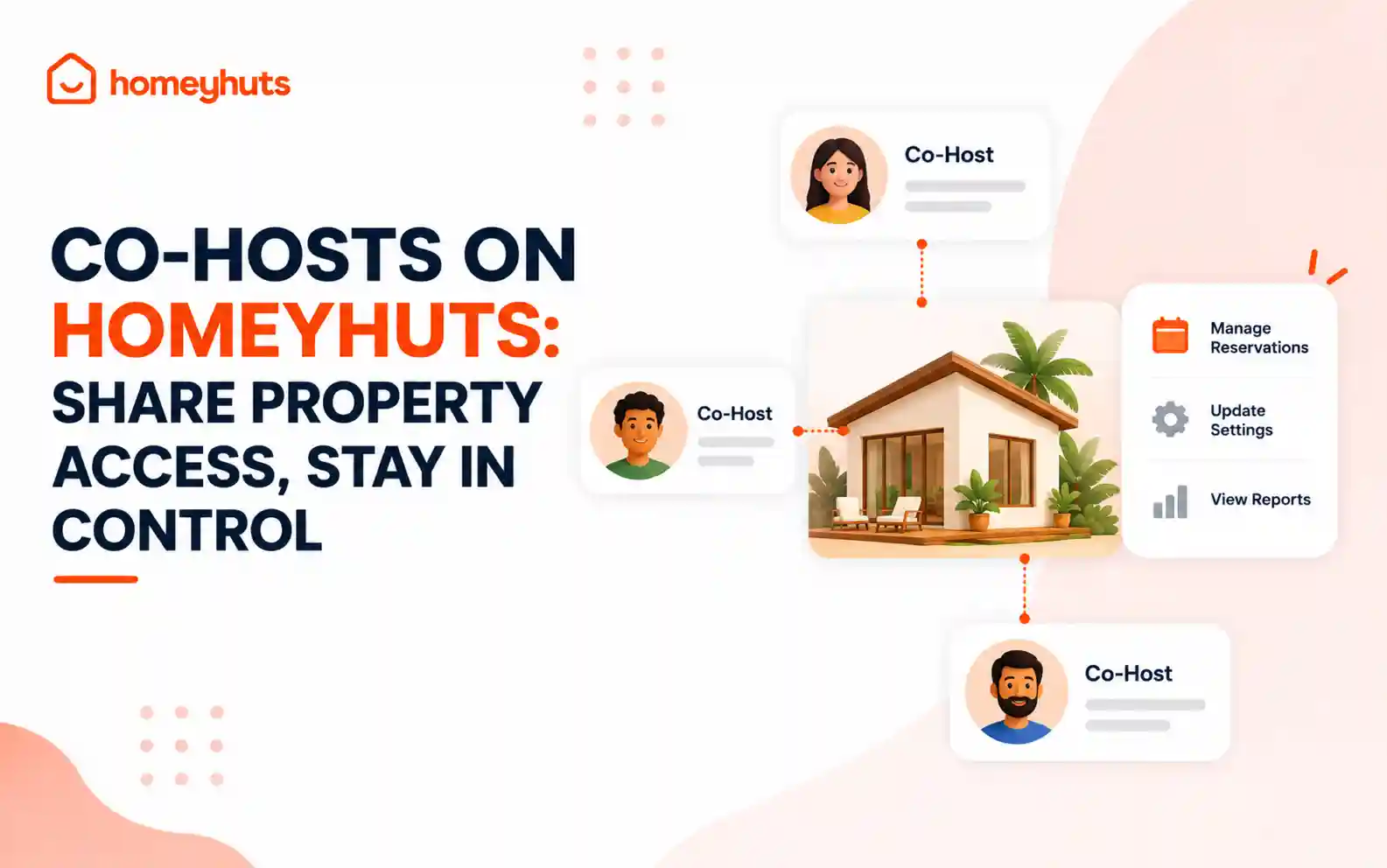
Co-Hosts on Homeyhuts: Share Property Access, Stay in Control
Invite up to 10 co-hosts to help manage your property on Homeyhuts. Choose exactly what each co-host can view or manage, customise their access at the listing level, and track their activity—all without sharing your login credentials.
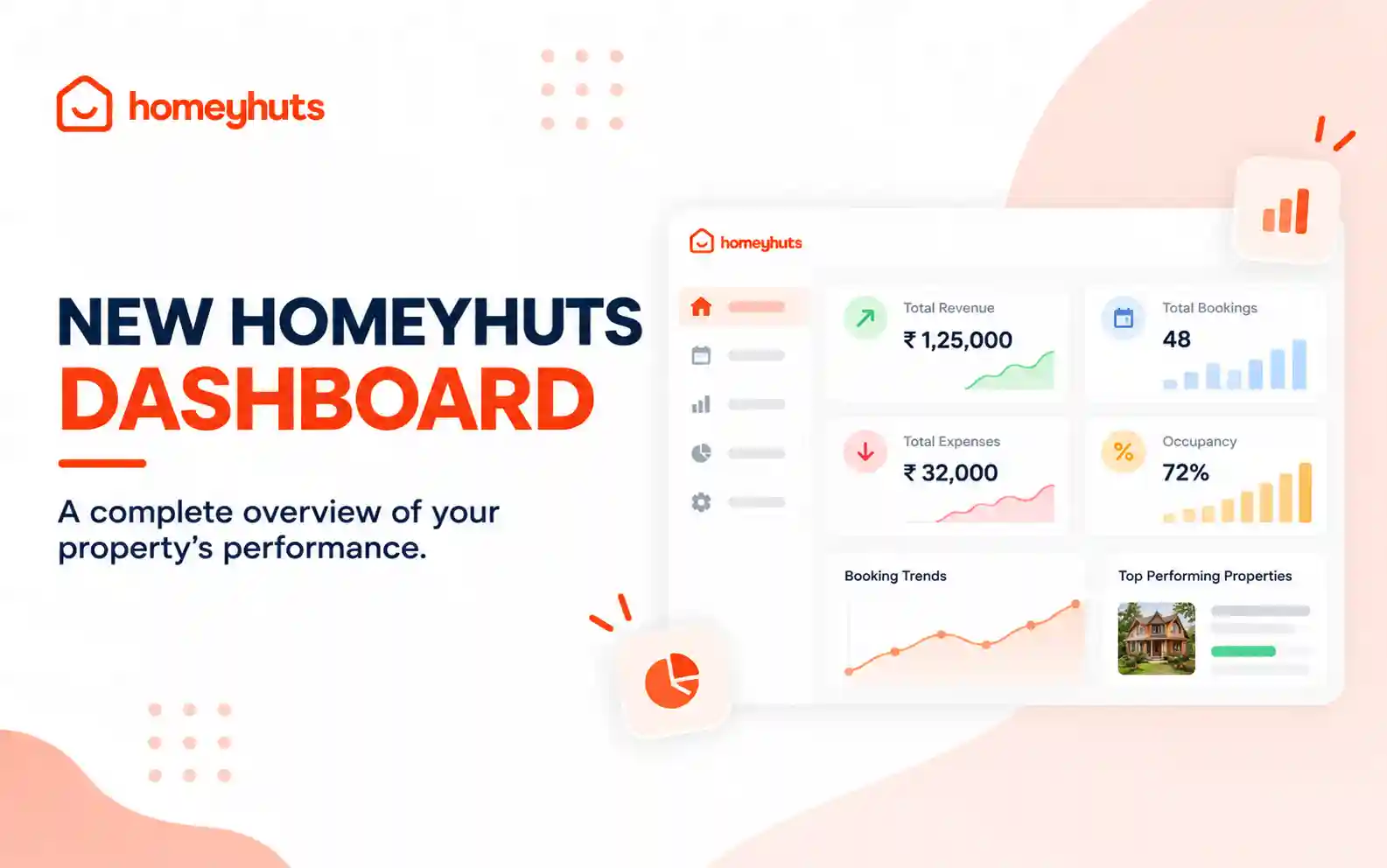
New Homeyhuts Dashboard: A Complete Overview of Your Property's Performance
Get a complete view of your property's financial performance, bookings, expenses, and occupancy with the new Homeyhuts Dashboard. Track revenue, analyze booking trends, compare property-wise performance, and monitor upcoming occupancy all in one place.
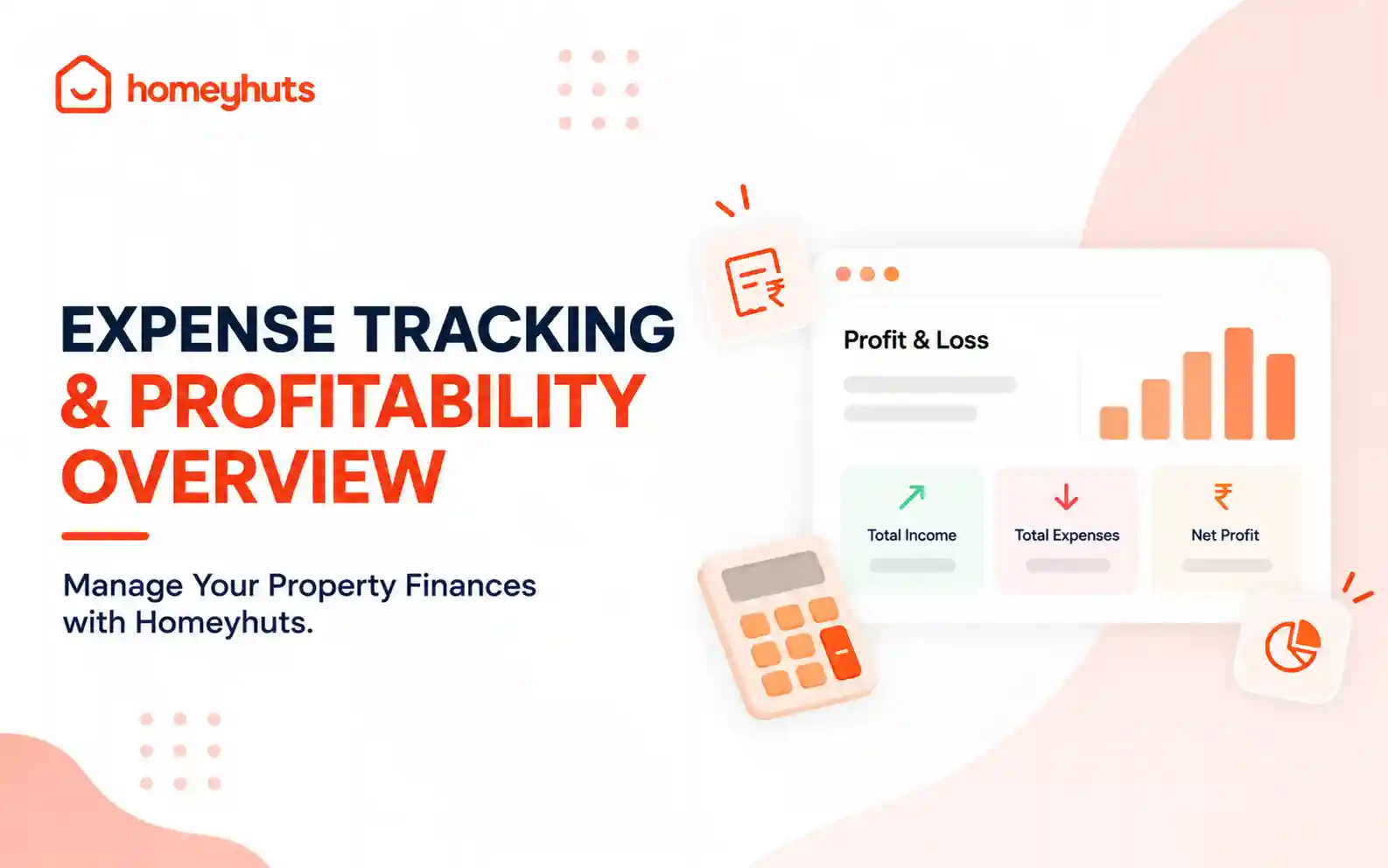
Expense Tracking & Profitability Overview: Manage Your Property Finances with Homeyhuts
Track and manage your property expenses with Homeyhuts. Record spending, organise expenses, and view your property's earnings, total expenses, and net income through a property-wise Profit & Loss (P&L) statement all in one place.