


Top Tips to Boost Your Property’s Visibility Online
Enhancing your property’s visibility online is crucial for attracting more bookings and standing out in a competitive market. Here are some top tips to boost your property’s online presence effectively and efficiently.
Optimize Your Listing
1. High-Quality Photos
- Professional Photography: Use high-resolution images taken in good lighting. Consider hiring a professional photographer.
- Variety: Include photos of every room, exterior shots, and any special features or amenities.
2. Compelling Description
- Highlight Key Features: Emphasize unique aspects of your property, such as a stunning view or a modern kitchen.
- Detailed Information: Provide comprehensive details about the property, including size, layout, amenities, and nearby attractions.
3. Accurate and Up-to-Date Information
- Regular Updates: Keep your listing current with accurate availability, pricing, and amenity information.
- Honesty: Ensure all details in your listing are truthful to set correct expectations for potential guests.
Leverage Online Platforms
1. Multiple Listings
- Diverse Platforms: List your property on multiple booking platforms like HomeyHuts, Airbnb, Booking.com, and MMT to reach a wider audience.
- Consistent Branding: Ensure your property details and branding are consistent across all platforms.
2. Social Media Presence
- Engage on Social Media: Use platforms like Instagram, Facebook, and Twitter to showcase your property. Post regularly and engage with your audience.
- Use Hashtags: Utilize relevant hashtags to increase visibility and reach potential guests interested in your area or type of accommodation.
Enhance Guest Experience
1. Prompt Communication
- Quick Responses: Respond promptly to inquiries and booking requests. Excellent communication boosts your ratings and reviews.
- Clear Information: Provide guests with all necessary information regarding check-in, check-out, and house rules.
2. Collect and Display Reviews
- Encourage Reviews: Ask satisfied guests to leave positive reviews. High ratings improve your property’s credibility.
- Showcase Testimonials: Highlight positive feedback in your listing to build trust with potential guests.
Use SEO and Marketing Strategies
1. Search Engine Optimization (SEO)
- Keywords: Use relevant keywords in your listing title and description to improve search engine ranking.
- Meta Descriptions: Write compelling meta descriptions that include key information about your property.
2. Paid Advertising
- Google Ads: Invest in Google Ads to drive traffic to your listing.
- Social Media Ads: Use targeted ads on social media platforms to reach potential guests based on their interests and demographics.
Offer Competitive Pricing
1. Dynamic Pricing
- Adjust Rates: Use dynamic pricing tools to adjust your rates based on demand, seasonality, and local events.
- Special Offers: Provide discounts or special offers for longer stays or off-peak periods to attract more bookings.
2. Transparent Pricing
- Clear Costs: Ensure all fees are clearly stated in your listing to avoid surprises and build trust with guests.
By implementing these top tips, you can significantly boost your property’s visibility online, attract more bookings, and enhance your reputation in the market. Happy hosting!
Was this article helpful?
Related in Homeyhuts App Tutorials
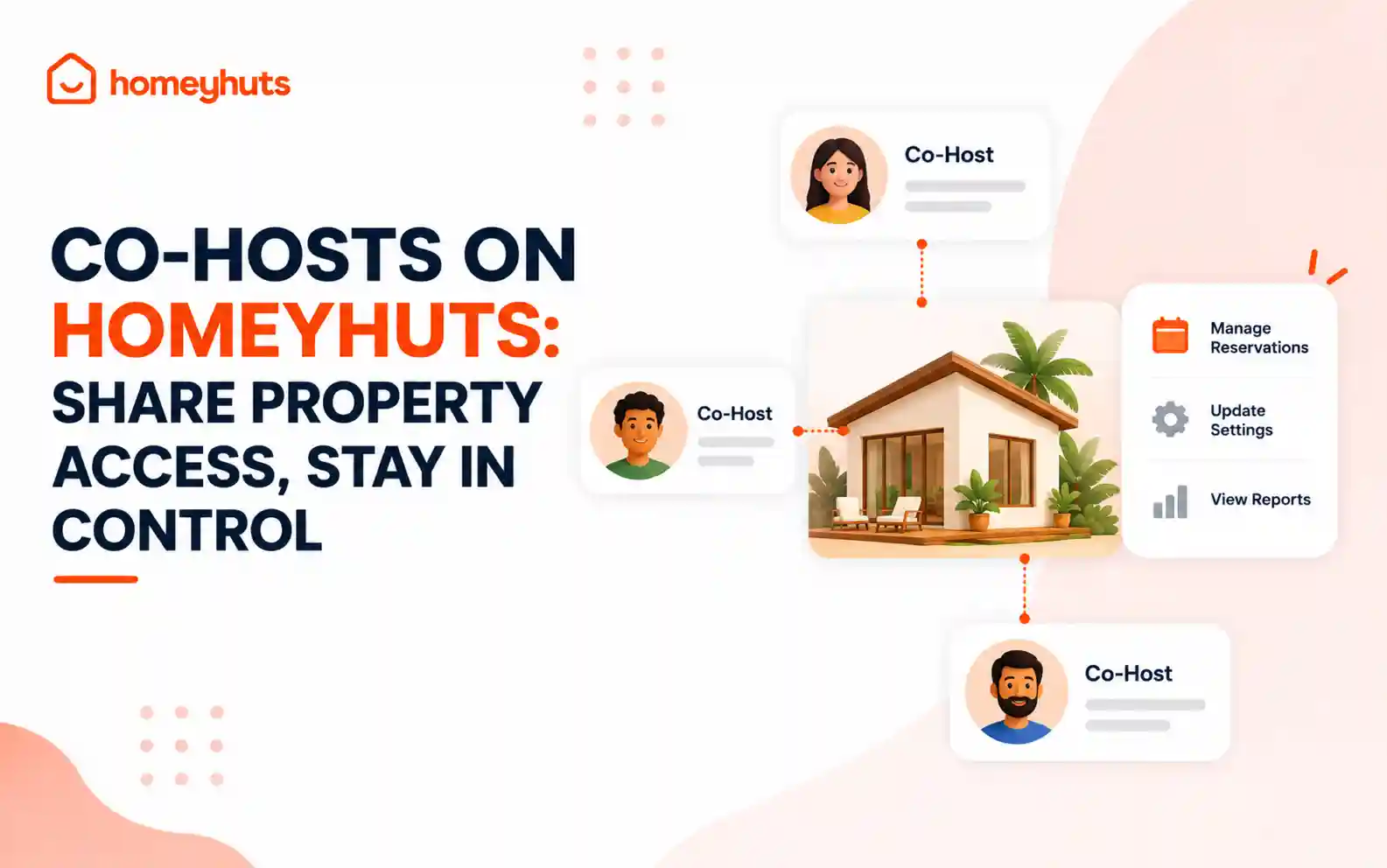
Co-Hosts on Homeyhuts: Share Property Access, Stay in Control
Invite up to 10 co-hosts to help manage your property on Homeyhuts. Choose exactly what each co-host can view or manage, customise their access at the listing level, and track their activity—all without sharing your login credentials.
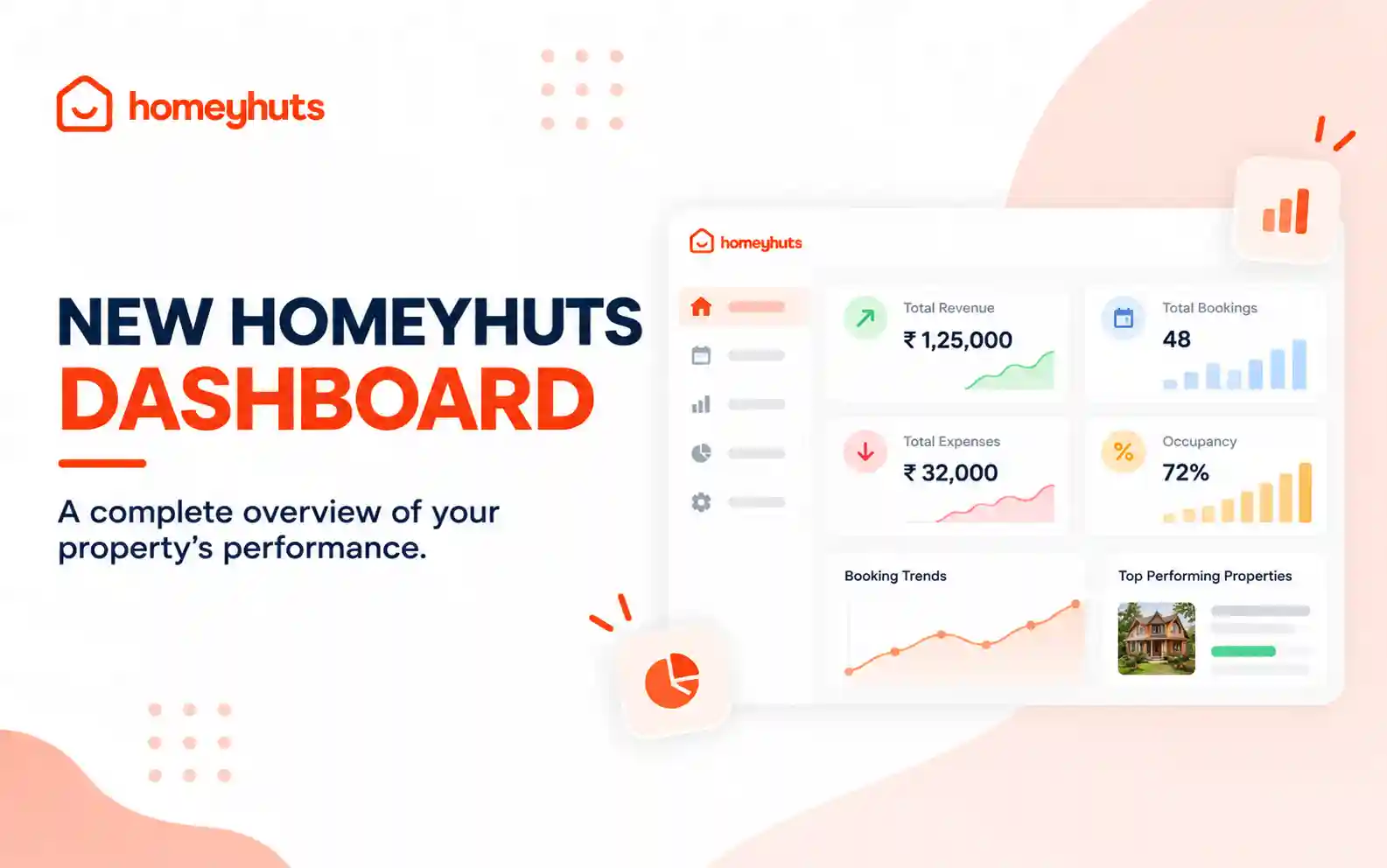
New Homeyhuts Dashboard: A Complete Overview of Your Property's Performance
Get a complete view of your property's financial performance, bookings, expenses, and occupancy with the new Homeyhuts Dashboard. Track revenue, analyze booking trends, compare property-wise performance, and monitor upcoming occupancy all in one place.
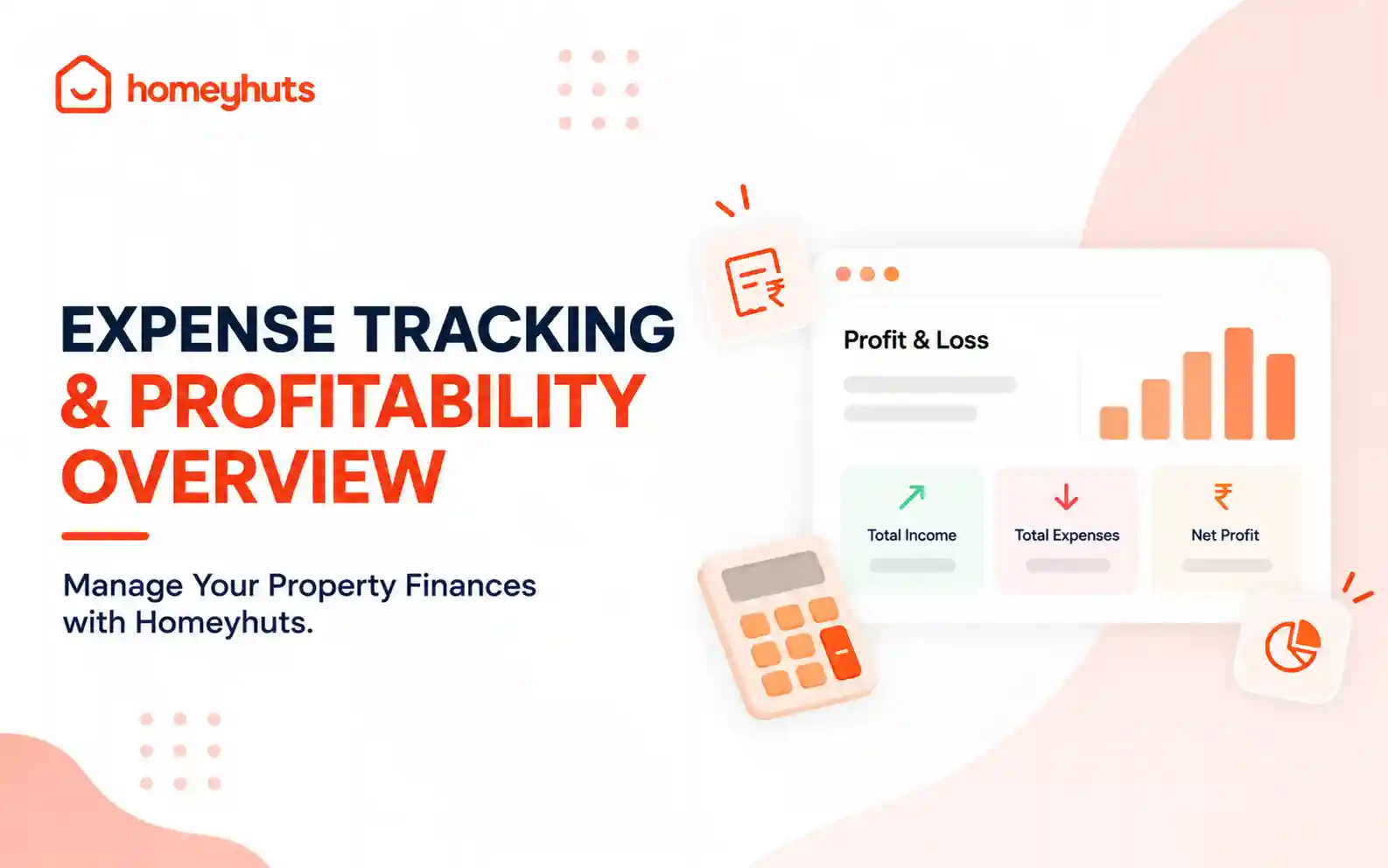
Expense Tracking & Profitability Overview: Manage Your Property Finances with Homeyhuts
Track and manage your property expenses with Homeyhuts. Record spending, organise expenses, and view your property's earnings, total expenses, and net income through a property-wise Profit & Loss (P&L) statement all in one place.