


Top Reasons for Guest Cancellations and How to Prevent Them
Cancellations causing chaos? Learn WHY guests bail & keep your calendar booked! Top prevention tips for a smoother hosting experience – for YOU & your guests!
Common Reasons for Guest Cancellations
1. Unclear or Misleading Listings
- Why it matters: If your listing doesn't accurately represent your property, guests may feel misled and cancel their booking.
- Fix it: Provide clear, honest descriptions and high-quality photos. Highlight any unique features and be upfront about any potential drawbacks.
2. Last-Minute Changes
- Why it matters: Unexpected changes or cancellations on the host’s part can disrupt guests' plans, leading them to cancel.
- Fix it: Avoid last-minute changes. If unavoidable, communicate promptly and offer alternatives or compensation to minimize inconvenience.
3. Strict Cancellation Policies
- Why it matters: Strict policies can deter bookings and increase cancellations, especially during uncertain times.
- Fix it: Consider offering more flexible cancellation policies. This can build trust and encourage bookings, even if guests are unsure about their plans.
4. Health and Safety Concerns
- Why it matters: Guests prioritize their health and safety, especially in the wake of global health crises.
- Fix it: Clearly communicate your cleaning protocols and any safety measures you have in place. Ensure your property is thoroughly cleaned and sanitized between stays.
5. Unexpected Emergencies
- Why it matters: Life happens. Personal emergencies can force guests to cancel their plans.
- Fix it: While you can’t prevent emergencies, offering flexible rescheduling options can help retain bookings.
6. Better Deals Elsewhere
- Why it matters: Guests might cancel if they find a better deal or more appealing property.
- Fix it: Regularly review and adjust your pricing to stay competitive. Highlight unique features and amenities that set your property apart.
How to Reduce Cancellations
1. Create Accurate Listings
- Detailed Descriptions: Clearly describe your property, including all amenities and any potential drawbacks.
- High-Quality Photos: Use professional photos to showcase your property accurately.
2. Maintain Clear Communication
- Prompt Responses: Reply to inquiries and messages quickly to build trust and address any concerns.
- Transparent Updates: If there are any changes or potential issues, communicate them as early as possible.
3. Offer Flexible Policies
- Cancellation Options: Consider flexible or moderate cancellation policies to give guests peace of mind.
- Rescheduling: Allow guests to reschedule their stay if needed.
4. Enhance Health and Safety Measures
- Sanitization Protocols: Clearly outline and implement strict cleaning procedures.
- Safety Features: Ensure your property has necessary safety features like smoke detectors, first aid kits, and secure locks.
5. Competitive Pricing
- Regularly Review Rates: Compare your pricing with similar properties and adjust accordingly.
- Special Offers: Provide discounts for longer stays or last-minute bookings to attract and retain guests.
6. Build Trust with Guests
- Positive Reviews: Encourage happy guests to leave reviews. Positive feedback can build trust and reduce cancellations.
- Personal Touches: Small gestures, like a welcome note or local recommendations, can make guests feel valued and less likely to cancel.
Example:
Imagine you own a charming apartment in the city center. Initially, you received multiple cancellations due to a strict no-refund policy and limited communication about your cleaning procedures. After switching to a flexible cancellation policy and sending a pre-arrival message detailing your enhanced cleaning protocols and nearby attractions, you noticed a significant decrease in cancellations. Additionally, by responding promptly to inquiries and adding personal touches like a welcome basket with local snacks, guests felt more secure and valued, resulting in fewer cancellations and more positive reviews.
Conclusion
Reducing guest cancellations is about creating a trustworthy, appealing, and flexible booking experience. By providing accurate listings, maintaining open communication, offering flexible policies, enhancing safety measures, and staying competitively priced, you can minimize cancellations and ensure a smoother experience for everyone involved. Implement these strategies and watch your booking confirmations rise while cancellations drop.
Was this article helpful?
Related in Homeyhuts App Tutorials
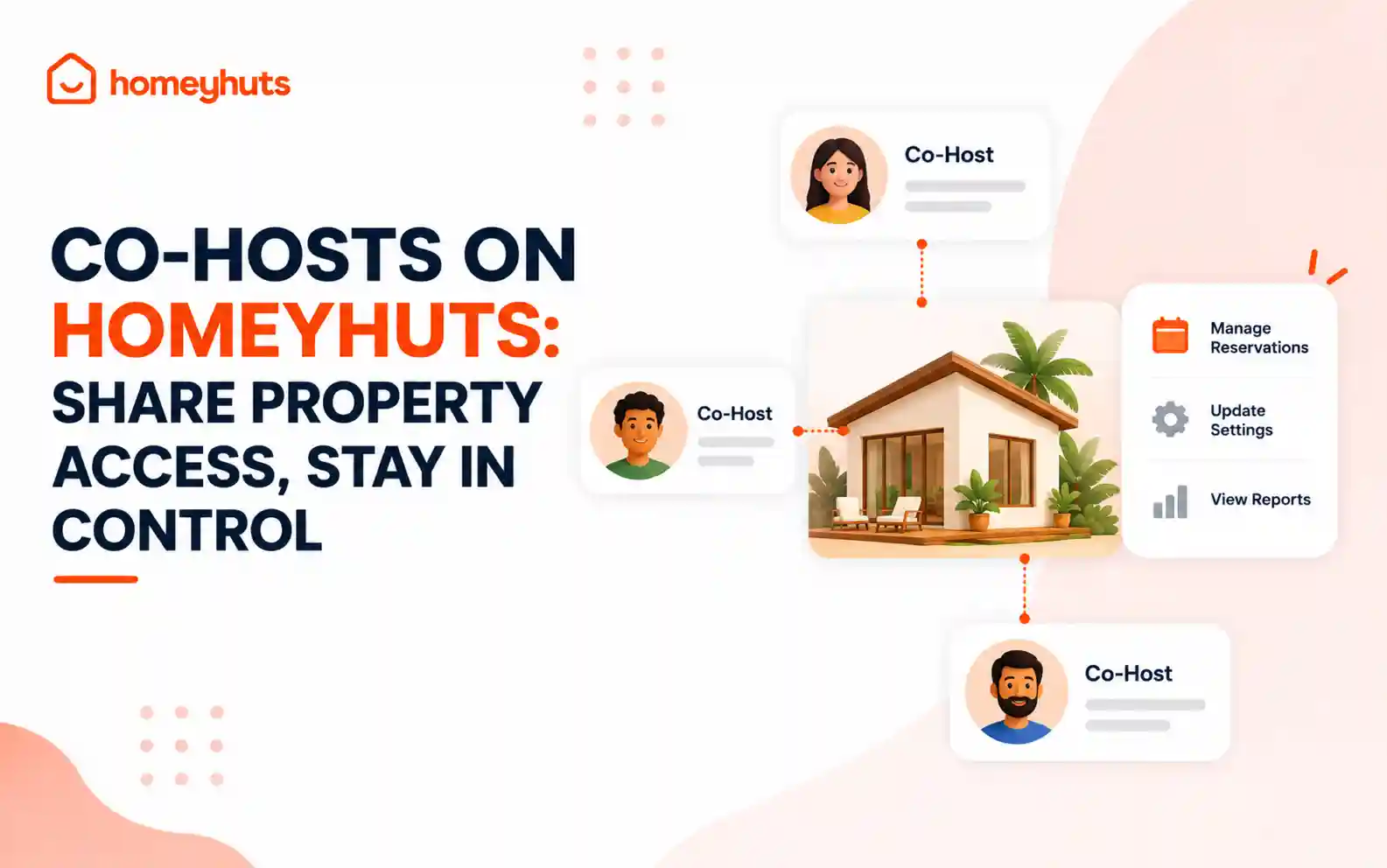
Co-Hosts on Homeyhuts: Share Property Access, Stay in Control
Invite up to 10 co-hosts to help manage your property on Homeyhuts. Choose exactly what each co-host can view or manage, customise their access at the listing level, and track their activity—all without sharing your login credentials.
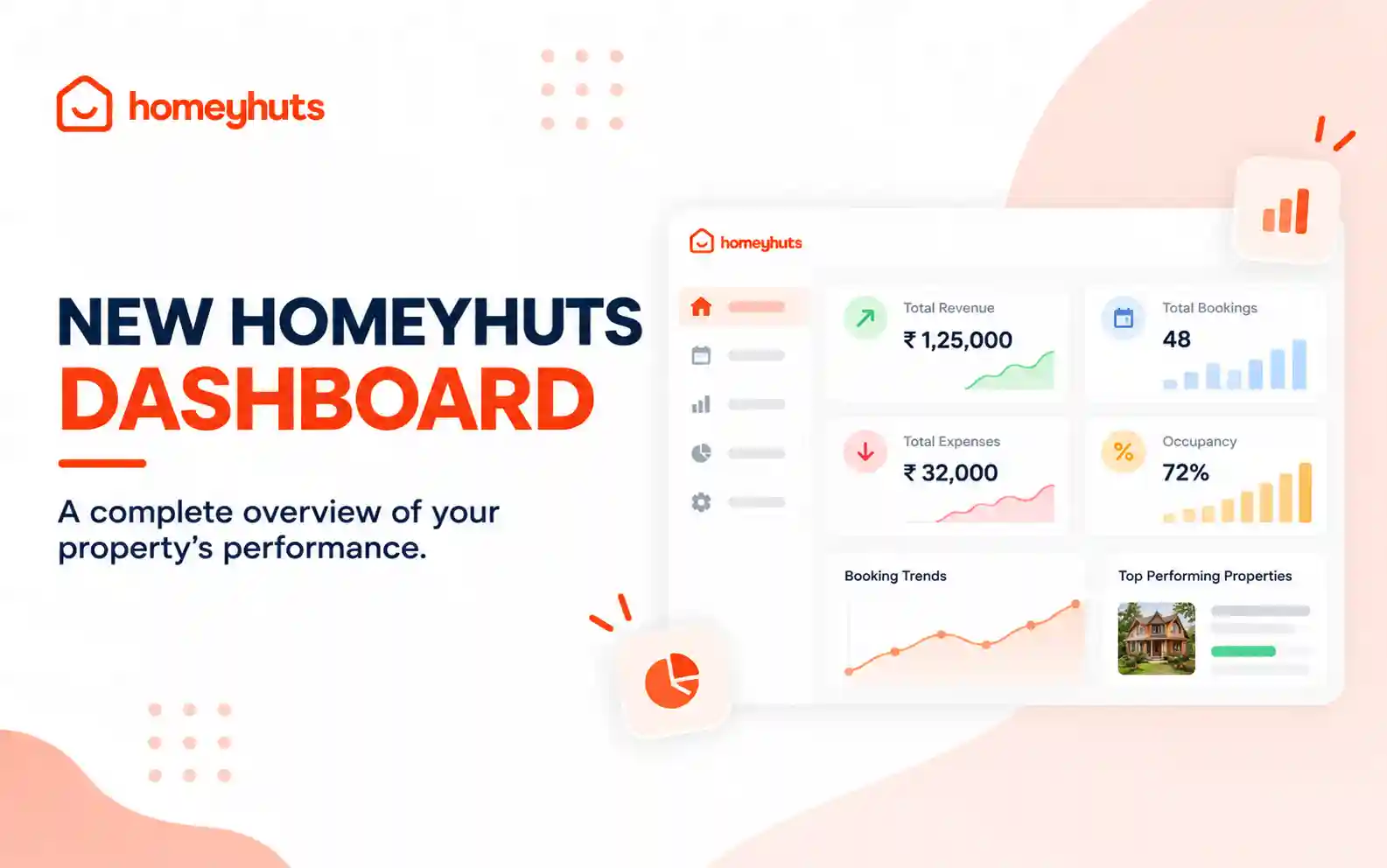
New Homeyhuts Dashboard: A Complete Overview of Your Property's Performance
Get a complete view of your property's financial performance, bookings, expenses, and occupancy with the new Homeyhuts Dashboard. Track revenue, analyze booking trends, compare property-wise performance, and monitor upcoming occupancy all in one place.
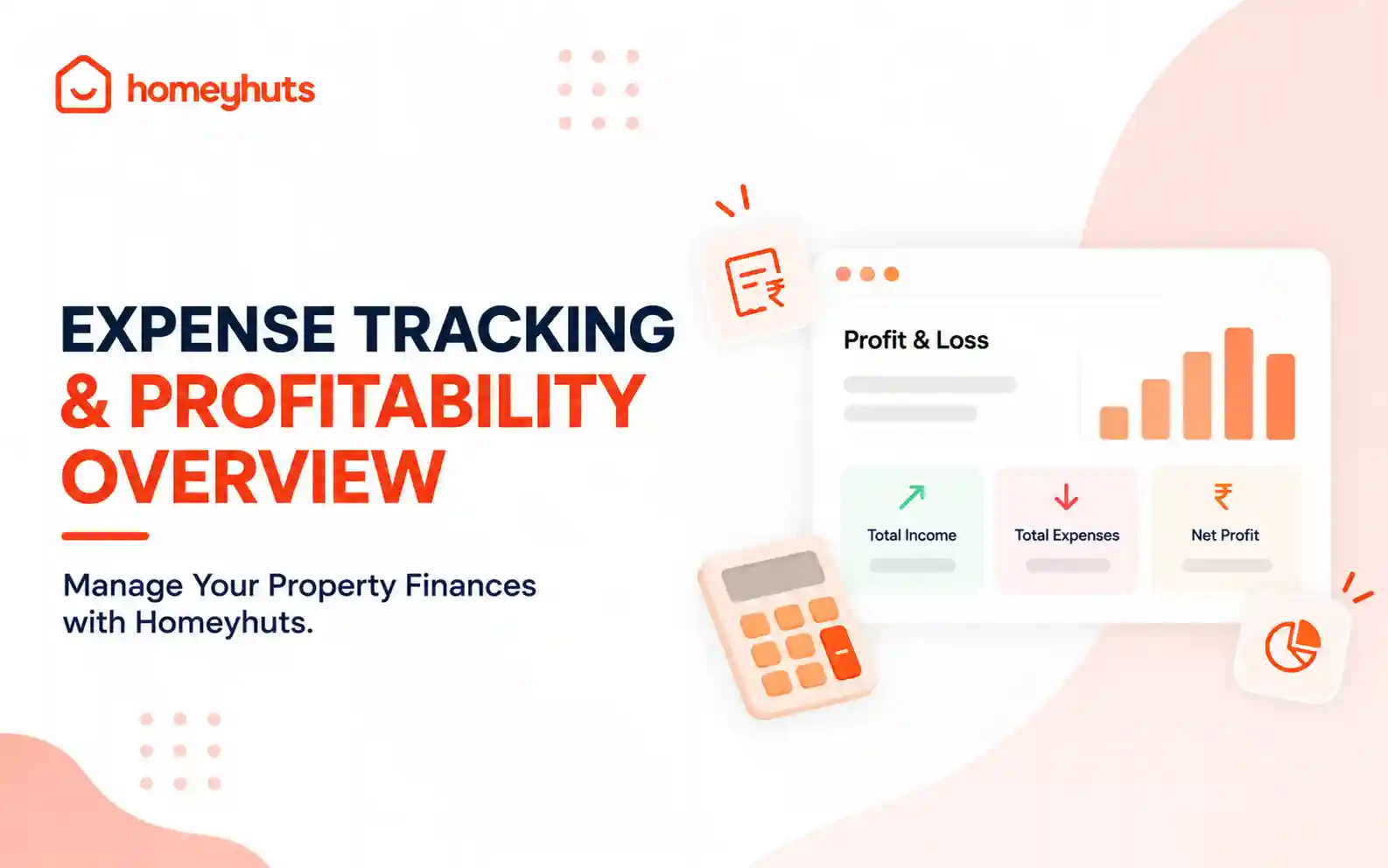
Expense Tracking & Profitability Overview: Manage Your Property Finances with Homeyhuts
Track and manage your property expenses with Homeyhuts. Record spending, organise expenses, and view your property's earnings, total expenses, and net income through a property-wise Profit & Loss (P&L) statement all in one place.