


How to Synchronize Bookings Across OTAs in real time
Key Takeaway: Homeyhuts enables real-time availability synchronization across Airbnb, Booking.com, MakeMyTrip, Agoda, Trip.com, and Expedia in real time, eliminating double bookings and giving you full control from a single dashboard.
Why Real-Time Sync Matters
Manual calendar updates often lead to overbookings, lost revenue, and unhappy guests. Real-time synchronization ensures that once a reservation is confirmed on one platform, all other listings immediately reflect the change, no overlaps, no surprises.
What You’ll Need
– A Homeyhuts account (sign up at Homeyhuts.in)
– Active listings on at least one connected OTA (Airbnb, Booking.com, MakeMyTrip, Agoda, Trip.com, Expedia)
– A complete listing on Homeyhuts (name, location, photos, minimum-stay rules)
Step-by-Step Setup in 5 Minutes
- Log In and Open the Dashboard
- Navigate to your Homeyhuts host control center on desktop or mobile and select properties.
- Add Your Property
- Click + New Listing, enter your property’s name, address, and images, then set minimum-stay and buffer-day rules.
- Request to connect with other OTAs, Homeyhuts team will assist with one time setup and once connected you will be able to manage pricing and availability from Homeyhuts app.
- Real-Time Sync
- After linking, Real-Time Sync will be enabled for all connected OTAs like, Airbnb, Homeyhuts, Booking.com, MakeMyTrip, Agoda, Trip.com, and Expedia.
- Verify Sync Status
- In Channel Overview, ensure each OTA shows a green checkmark, indicating live sync. Use Test Sync by creating a mock blocking on one OTA; confirm it appears instantly in the Homeyhuts calendar and blocks dates on all other channels.
Preventing Double Bookings
Homeyhuts locks inventory across every connected OTA within milliseconds of a reservation. If simultaneous bookings occur, you’ll receive a conflict alert with options to auto-adjust or confirm which reservation to honor. Mobile push notifications keep you informed of new bookings and conflicts on the go.
Pro Tips for Smooth Synchronization
– Match minimum-stay and buffer settings in Homeyhuts to your OTA listings exactly.
– Treat the Homeyhuts calendar as the single source of truth avoid manual edits on individual OTA dashboards.
Frequently Asked Questions
Q: How do I add a new OTA after initial setup?
A: Simply reach out to homeyhuts support at wecare@homeyhuts.com
Q: What happens if the sync fails?
A: Homeyhuts sends an immediate notification. You can view error details in Sync Logs and retry the connection or reach out to support for a quick fix.
Q: Will cancellations update across all channels?
A: Absolutely. When a reservation is canceled on any OTA, Homeyhuts releases the dates across all other platforms in real time.
Q: Does the mobile app support complete sync management?
A: Yes. The Homeyhuts mobile app mirrors all dashboard features, including integration setup, sync toggles, and conflict-resolution alerts.
By following these simple steps and leveraging Homeyhuts’ powerful real-time sync, you’ll eliminate double bookings and manage all your OTA channels with confidence, no more guesswork, just seamless operations.
Was this article helpful?
Related in Homeyhuts App Tutorials
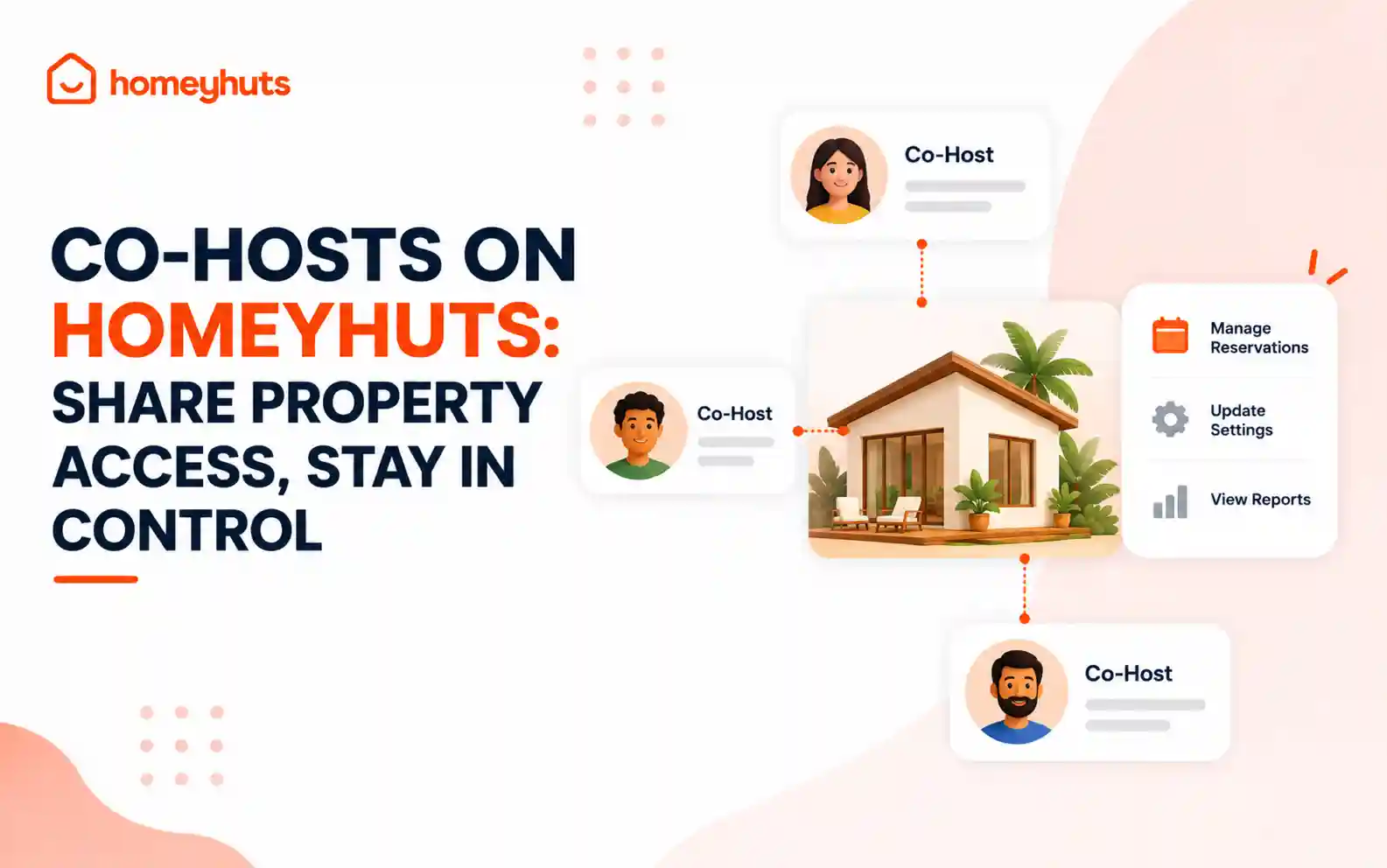
Co-Hosts on Homeyhuts: Share Property Access, Stay in Control
Invite up to 10 co-hosts to help manage your property on Homeyhuts. Choose exactly what each co-host can view or manage, customise their access at the listing level, and track their activity—all without sharing your login credentials.
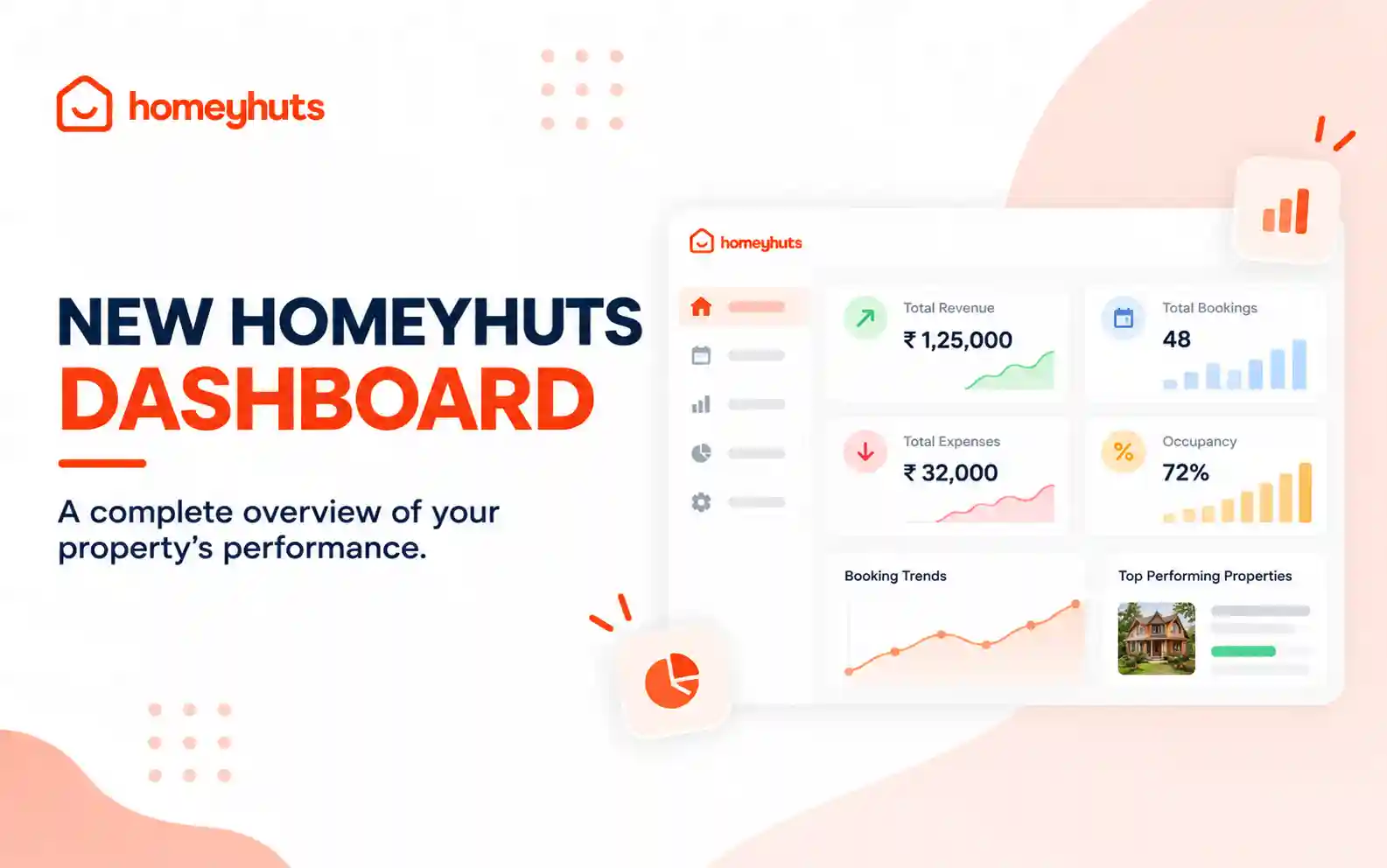
New Homeyhuts Dashboard: A Complete Overview of Your Property's Performance
Get a complete view of your property's financial performance, bookings, expenses, and occupancy with the new Homeyhuts Dashboard. Track revenue, analyze booking trends, compare property-wise performance, and monitor upcoming occupancy all in one place.
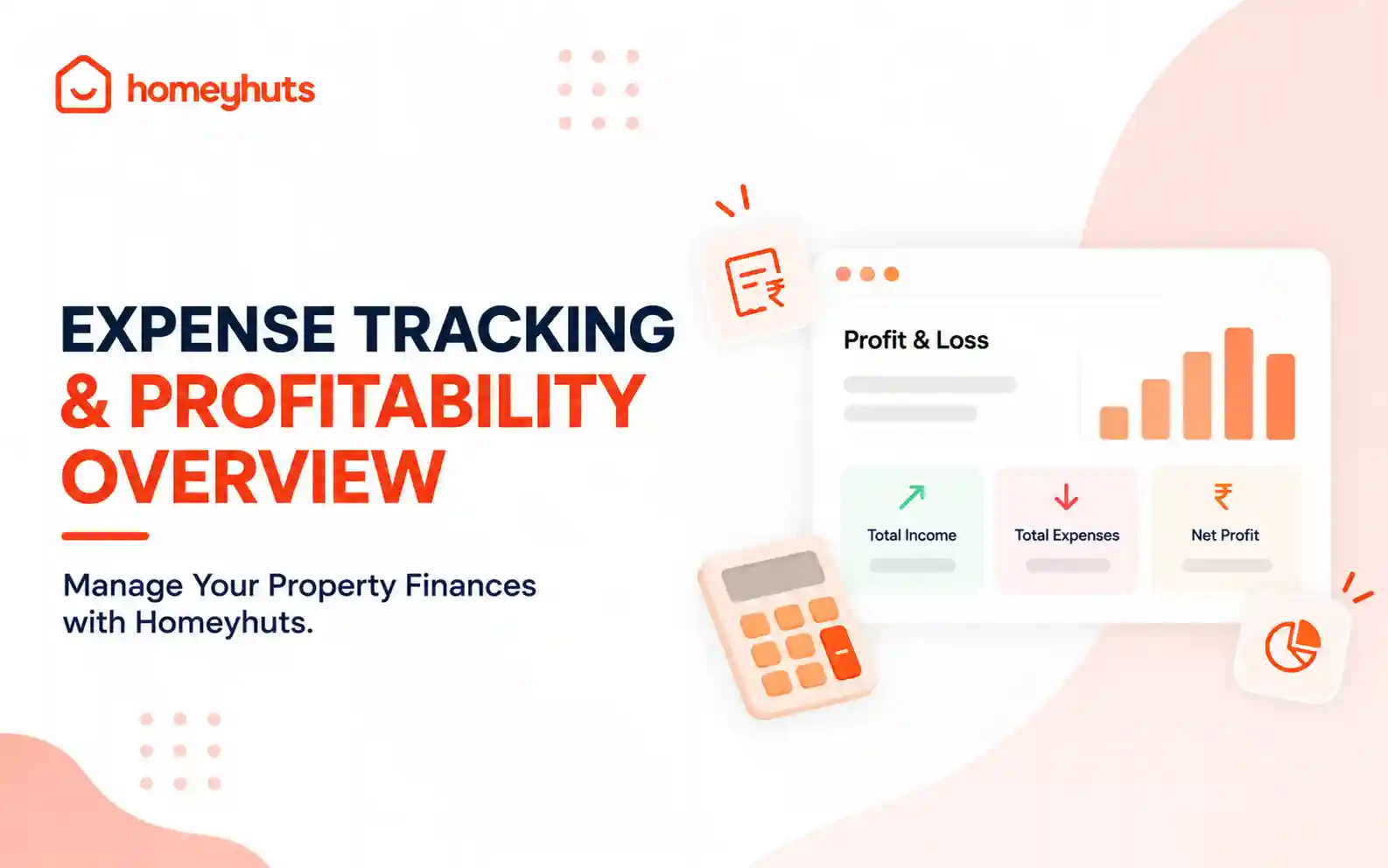
Expense Tracking & Profitability Overview: Manage Your Property Finances with Homeyhuts
Track and manage your property expenses with Homeyhuts. Record spending, organise expenses, and view your property's earnings, total expenses, and net income through a property-wise Profit & Loss (P&L) statement all in one place.