


How to Create the Perfect Listing: Essential Tips for New Hosts
Discover essential tips for first-time hosts to create the perfect listing. Learn how to attract guests, optimize your property description, and ensure a seamless booking experience with these expert hosting strategies.
Crafting the Perfect Listing: Essential Tips for First-Time Hosts
Creating a compelling listing is the first step to attracting guests to your property on Homeyhuts. Here's how to craft the perfect listing and ensure a smooth hosting experience as a first-time host.
Crafting the Perfect Listing
1. Captivating Description
- Highlight Unique Features: Describe what makes your property special, whether it's a stunning view, cozy fireplace, or convenient location.
- Be Detailed: Provide thorough descriptions of each room, amenities, and nearby attractions. Paint a vivid picture for potential guests.
2. High-Quality Photos
- Showcase Your Space: Use high-resolution photos that accurately represent your property. Include images of every room, outdoor spaces, and any special features.
- Good Lighting: Take photos during the day with ample natural light to showcase your space in the best possible way.
3. Accurate Amenities List
- List All Amenities: Include a comprehensive list of amenities available to guests, such as Wi-Fi, parking, kitchen appliances, and entertainment options.
- Be Honest: Only list amenities that are truly available and in good working condition. Honesty builds trust with guests.
Preparing Your Property
1. Clean and Organized
- Deep Cleaning: Ensure your property is spotless before guests arrive. Pay attention to details like dusting, vacuuming, and sanitizing surfaces.
- Declutter: Remove personal items and excess clutter to create a welcoming environment for guests.
2. Safety Measures
- Install Safety Equipment: Equip your property with essential safety features like smoke detectors, fire extinguishers, and first aid kits.
- Secure Locks: Ensure all doors and windows have secure locks to provide a safe environment for guests.
3. Stock Essentials
- Basic Supplies: Provide essential items such as toiletries, fresh linens, towels, and kitchen basics like coffee, tea, and condiments.
- Comfort Items: Ensure guests have everything they need for a comfortable stay, including extra blankets, pillows, and entertainment options.
Setting Expectations
1. Clear House Rules
- Establish Guidelines: Clearly outline house rules regarding noise levels, smoking, pets, and other important policies. Communicate these rules to guests before booking.
- Be Firm but Fair: Enforce rules consistently to maintain a positive guest experience for all visitors.
2. Accurate Pricing
- Competitive Rates: Research comparable listings in your area to set competitive pricing. Consider factors like location, amenities, and seasonal demand.
- Transparent Fees: Clearly communicate any additional fees, such as cleaning or service charges, in your listing.
3. Flexible Policies
- Cancellation Policy: Define your cancellation policy clearly to avoid misunderstandings. Consider offering flexible options to accommodate guests' changing plans.
- Check-In/Check-Out: Be flexible with check-in and check-out times whenever possible to accommodate guests' travel schedules.
Enhancing Your Hosting Experience
1. Learn Through Boost Pro
- Education and Training: Utilize Homeyhuts' Boost Pro resources to enhance your hosting skills and stay updated with the latest hospitality trends.
2. Gather Positive Reviews and Work on Feedback
- Encourage Reviews: Prompt guests to leave reviews. Positive feedback attracts more guests.
- Implement Feedback: Use guest feedback to make improvements and enhance the overall guest experience.
3. Legal Compliance
- Follow Local Laws: Ensure your property complies with local regulations, including safety standards and rental laws.
4. Learn from the Competition
- Competitive Analysis: Study other successful listings in your area to identify what works well and incorporate similar strategies into your listing.
5. Accurate Pricing and Calendar Management
- Stay Competitive: Regularly update your pricing based on market trends and seasonal demand.
- Keep Your Calendar Updated: Ensure your availability is always up to date to avoid double bookings and disappointments.
6. Notify Your Guests of Last-Minute Changes
- Proactive Communication: Inform guests promptly if there are any changes to their booking or the property to maintain trust and avoid inconvenience.
7. Leverage the Power of Social Media/Marketing
- Promote Your Listing: Use social media platforms to market your property and reach a wider audience.
8. Invest in Luxury Amenities
- Stand Out: Consider adding luxury amenities like high-quality bedding, premium toiletries, or a hot tub to enhance the guest experience and justify higher pricing.
By following these essential tips, you'll create a compelling listing that attracts guests and sets the stage for a successful hosting experience on Homeyhuts. Happy hosting!
Was this article helpful?
Related in Homeyhuts App Tutorials
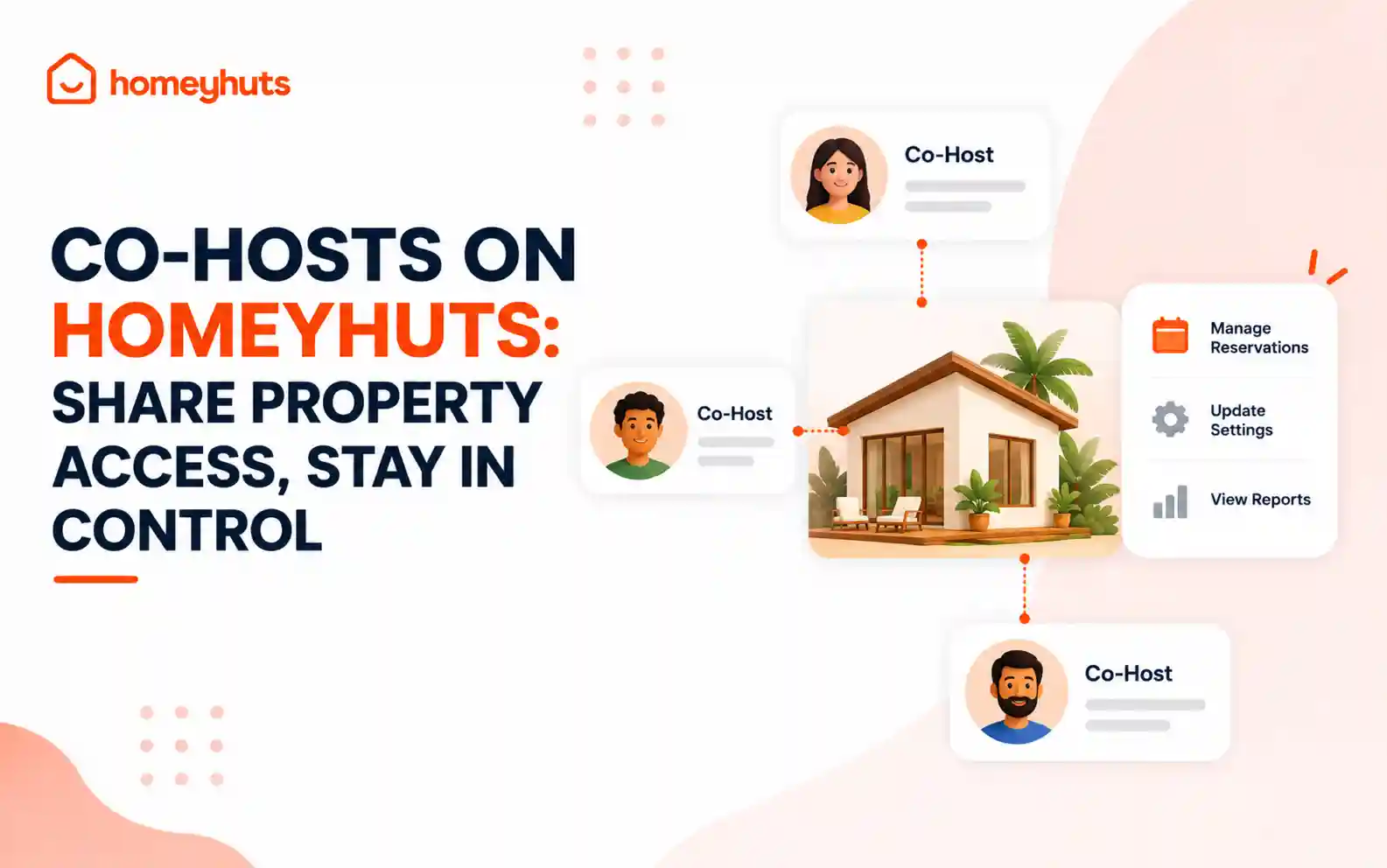
Co-Hosts on Homeyhuts: Share Property Access, Stay in Control
Invite up to 10 co-hosts to help manage your property on Homeyhuts. Choose exactly what each co-host can view or manage, customise their access at the listing level, and track their activity—all without sharing your login credentials.
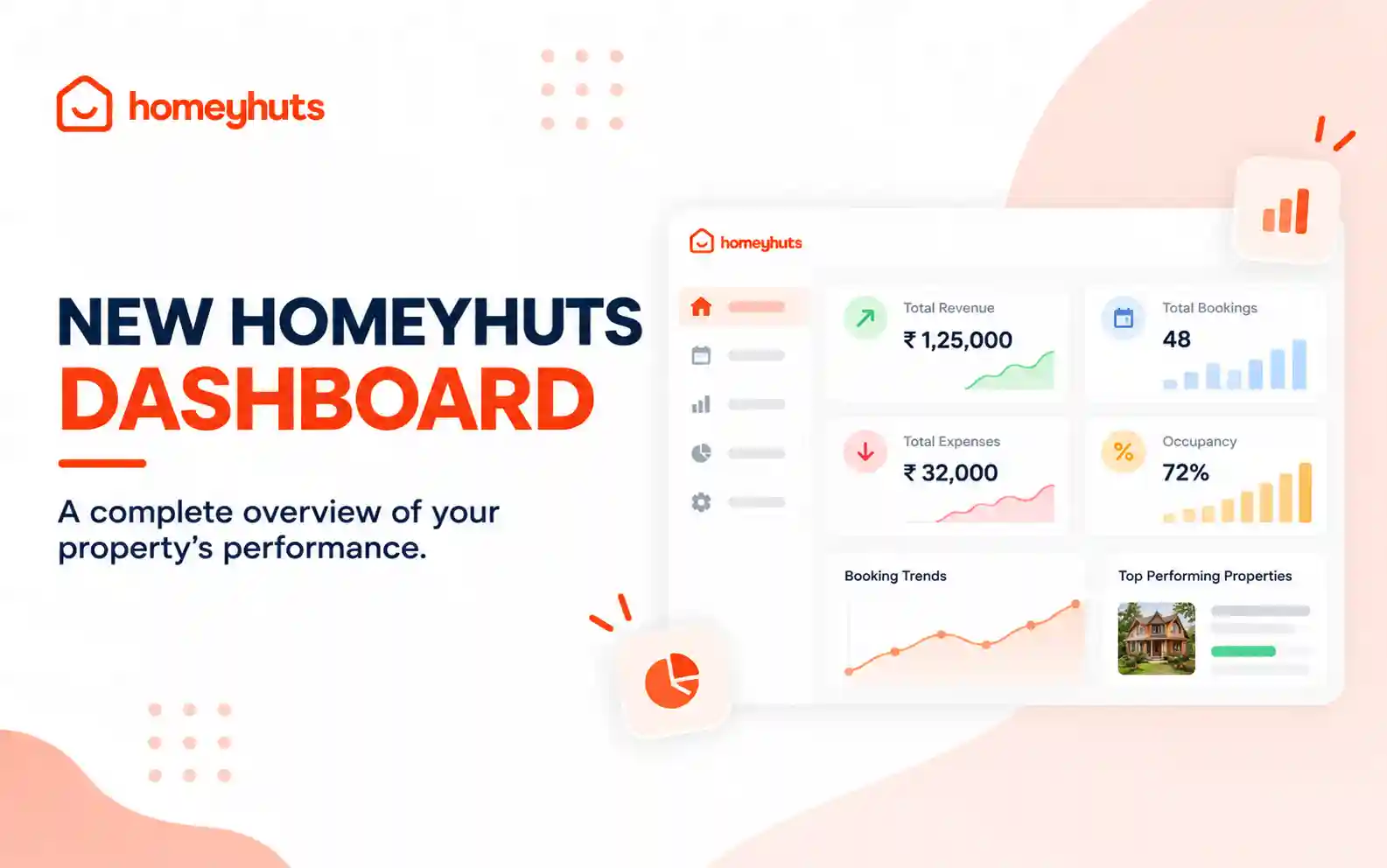
New Homeyhuts Dashboard: A Complete Overview of Your Property's Performance
Get a complete view of your property's financial performance, bookings, expenses, and occupancy with the new Homeyhuts Dashboard. Track revenue, analyze booking trends, compare property-wise performance, and monitor upcoming occupancy all in one place.
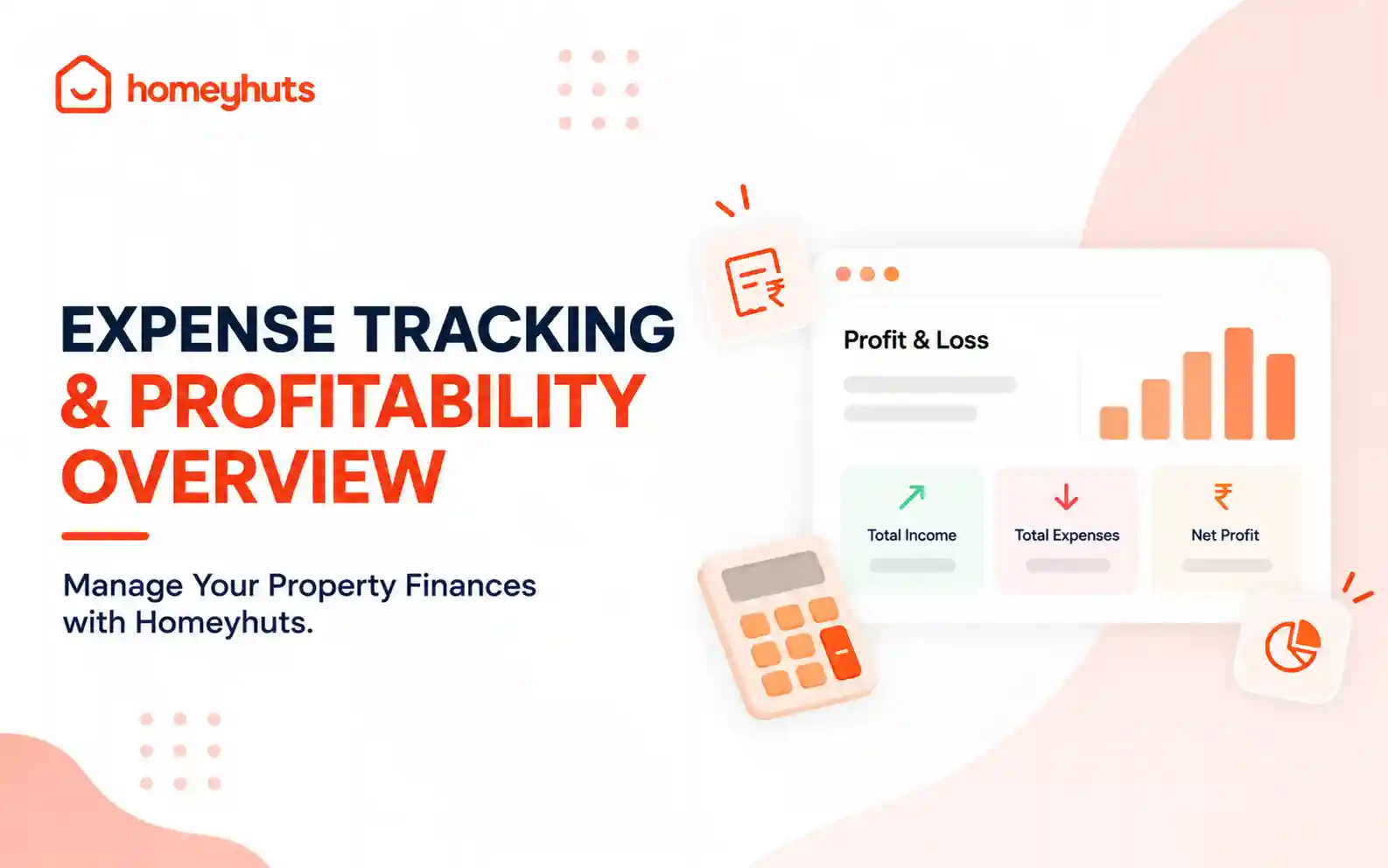
Expense Tracking & Profitability Overview: Manage Your Property Finances with Homeyhuts
Track and manage your property expenses with Homeyhuts. Record spending, organise expenses, and view your property's earnings, total expenses, and net income through a property-wise Profit & Loss (P&L) statement all in one place.