


Appliances & Electronics
An Appliances and Electronics Usage Checklist for Guests template is a pre-designed document that provides instructions and guidelines on how to properly use the appliances and electronic devices in a property.
It typically includes:
- Appliance Instructions: Detailed usage guidelines for major appliances like the oven, microwave, dishwasher, washing machine, and dryer.
- Electronics Usage: Instructions for using electronic devices such as the TV, air conditioning, heating systems, and any smart home devices.
- Safety Tips: Important safety precautions to follow while using appliances and electronics to prevent accidents and damage.
- Energy Efficiency: Tips on conserving energy, such as turning off devices when not in use and setting temperature controls appropriately.
- Troubleshooting: Basic troubleshooting steps for common issues and contact information for further assistance.
Benefits for Hosts
- Proper Use: Ensures guests use appliances and electronics correctly, reducing the risk of damage and prolonging their lifespan.
- Safety: Promotes safe usage practices, protecting guests and the property.
- Efficiency: Provides clear instructions, reducing the need for hosts to explain usage verbally.
- Guest Comfort: Enhances the guest experience by making it easy to use the property’s amenities effectively.
By using an Appliances and Electronics Usage Checklist for Guests template, hosts can provide clear and comprehensive guidelines, ensuring that guests feel comfortable and confident using the property’s appliances and electronics.
You can download these templates and customize them to suit your preferences.
Was this article helpful?
Related in Homeyhuts App Tutorials
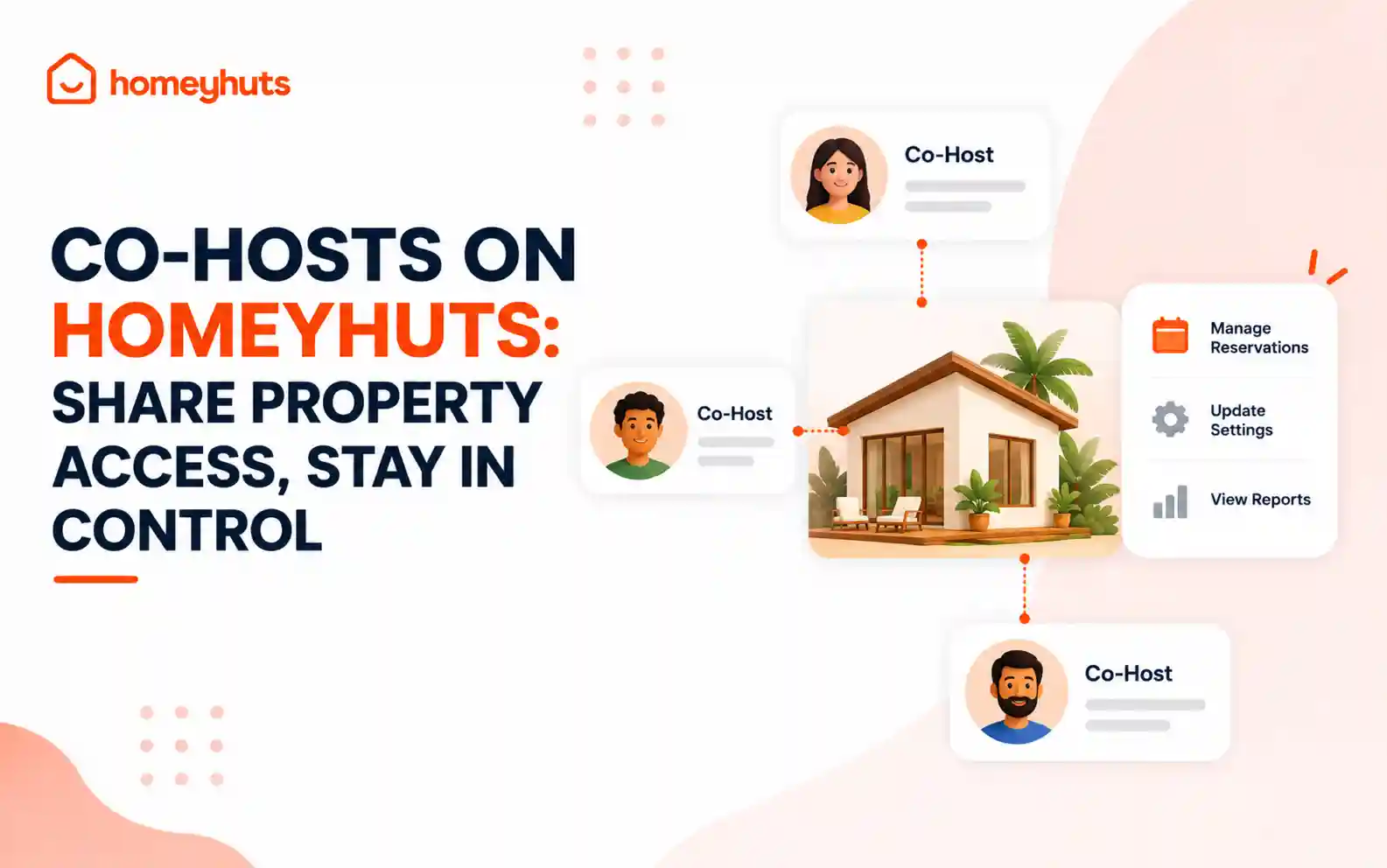
Co-Hosts on Homeyhuts: Share Property Access, Stay in Control
Invite up to 10 co-hosts to help manage your property on Homeyhuts. Choose exactly what each co-host can view or manage, customise their access at the listing level, and track their activity—all without sharing your login credentials.
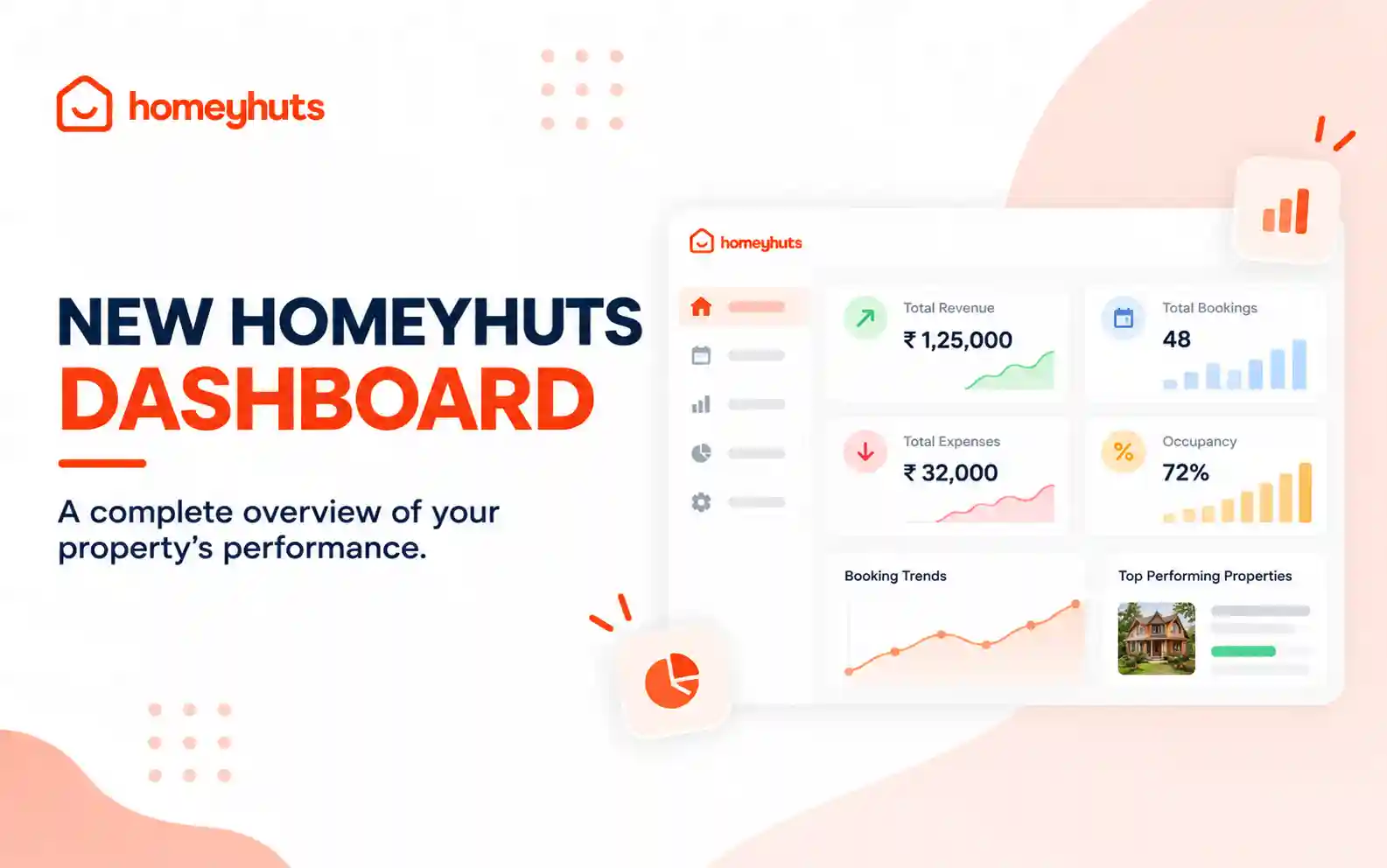
New Homeyhuts Dashboard: A Complete Overview of Your Property's Performance
Get a complete view of your property's financial performance, bookings, expenses, and occupancy with the new Homeyhuts Dashboard. Track revenue, analyze booking trends, compare property-wise performance, and monitor upcoming occupancy all in one place.
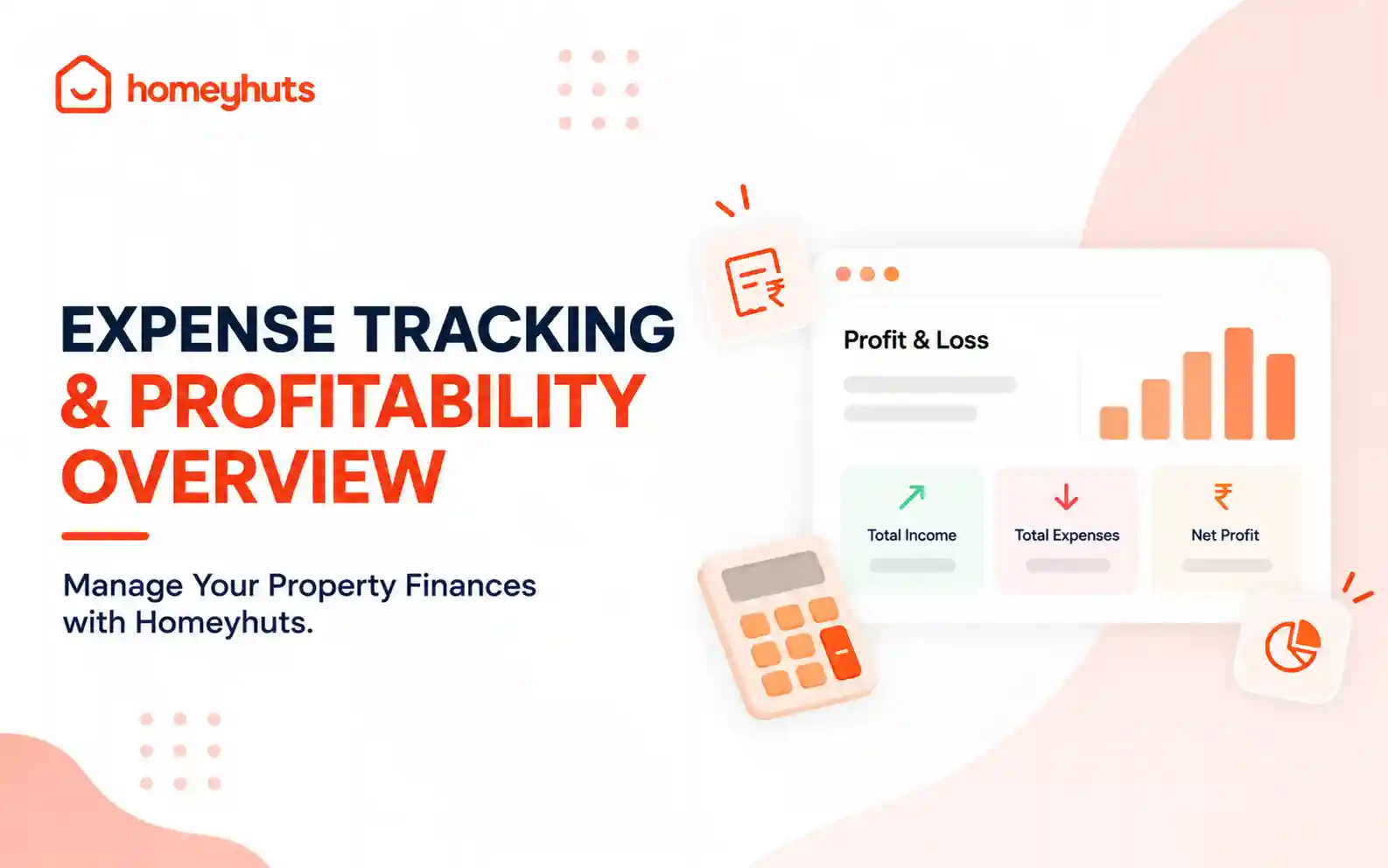
Expense Tracking & Profitability Overview: Manage Your Property Finances with Homeyhuts
Track and manage your property expenses with Homeyhuts. Record spending, organise expenses, and view your property's earnings, total expenses, and net income through a property-wise Profit & Loss (P&L) statement all in one place.