


Amenities Checklist for Guests
An Amenities Checklist for Guests template is a pre-designed document that lists all the amenities available at a property, ensuring guests are aware of what is provided during their stay.
It typically includes:
- Basic Amenities: Items such as towels, linens, toiletries, and kitchen essentials.
- Entertainment Options: Information on available entertainment, such as TV, streaming services, board games, and books.
- Outdoor Amenities: Details on outdoor facilities, like pools, BBQ grills, patio furniture, and recreational equipment.
- Convenience Items: Items like Wi-Fi, parking, laundry facilities, and air conditioning/heating.
- Special Features: Any unique amenities specific to the property, such as a fireplace, hot tub, or gym equipment.
Benefits for Hosts
- Transparency: Clearly informs guests about what is provided, reducing the likelihood of misunderstandings.
- Preparedness: Helps guests pack appropriately by knowing what is available at the property.
- Guest Satisfaction: Enhances the guest experience by ensuring they are aware of and can make full use of all amenities.
- Efficiency: Streamlines communication by providing comprehensive information in one document.
By using an Amenities Checklist for Guests template, hosts can effectively communicate the full range of amenities available, ensuring guests have a comfortable and well-informed stay.
You can download these templates and customize them to suit your preferences.
Was this article helpful?
Related in Homeyhuts App Tutorials
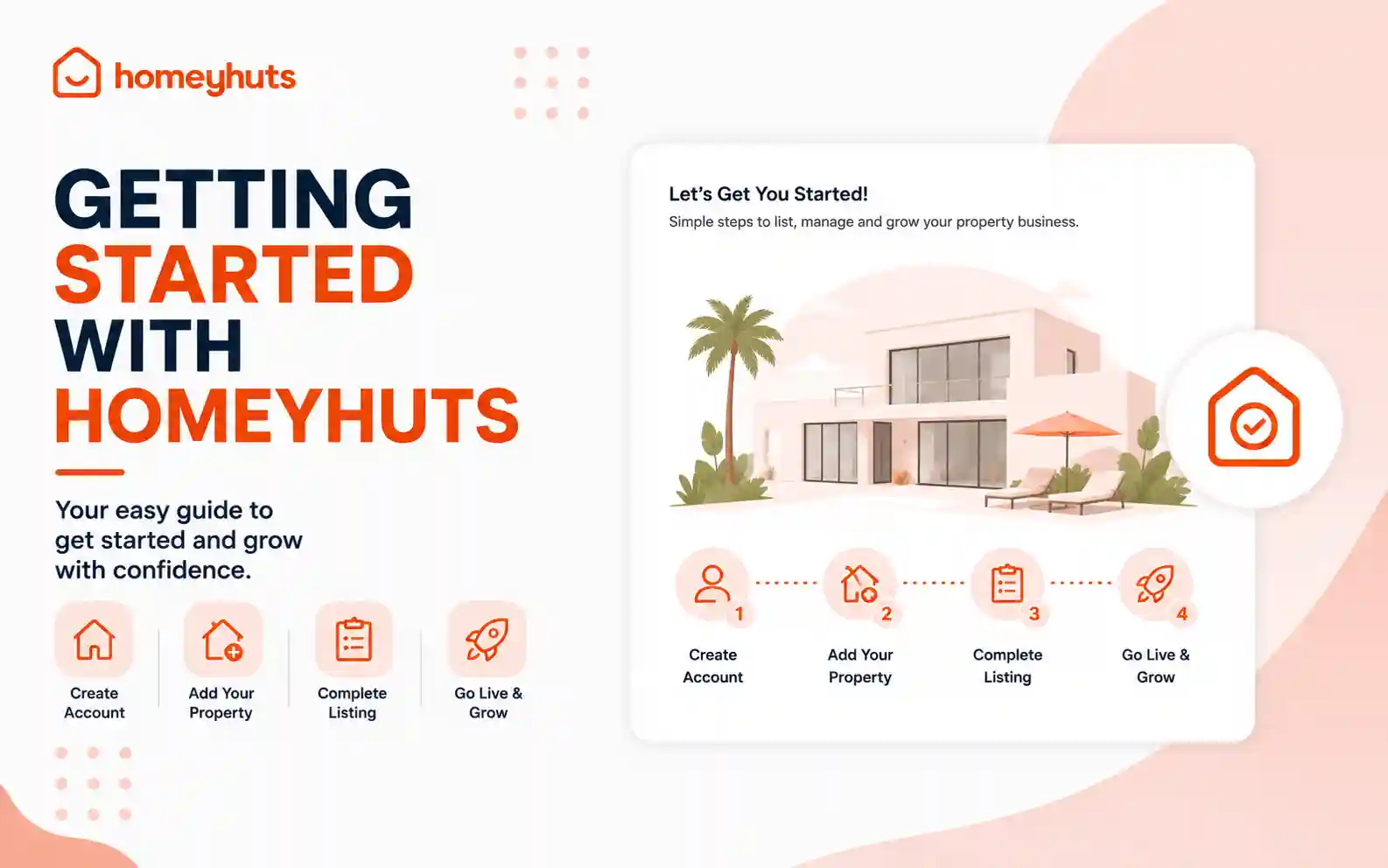
Getting Started with Homeyhuts: A Complete Guide for New Hosts
Welcome to Homeyhuts! Whether you're listing your very first homestay or managing multiple vacation rentals, Homeyhuts provides all the tools you need to simplify hosting, increase bookings, and manage your property efficiently. This guide will walk you through the first steps to get your property up and running.
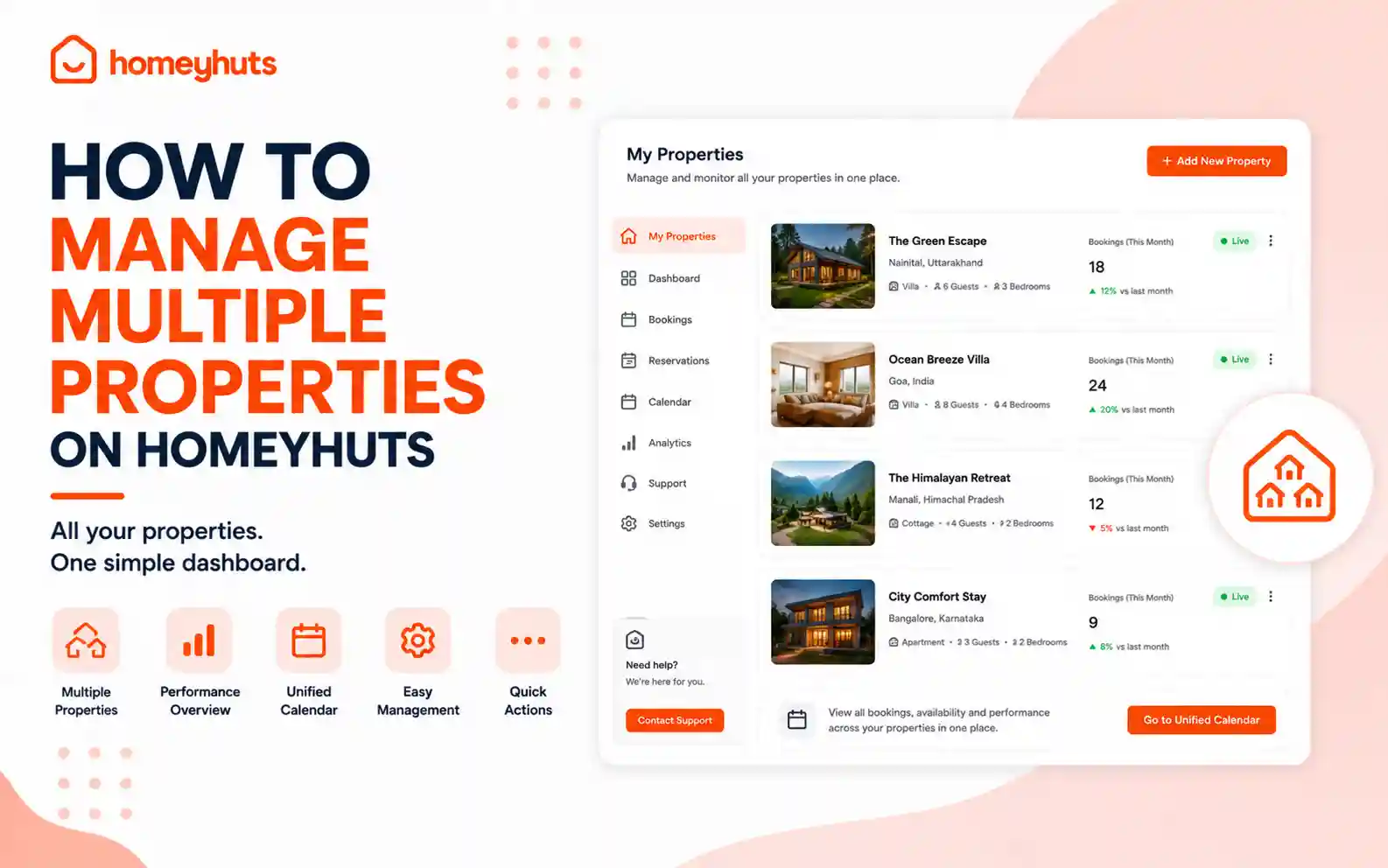
How to Manage Multiple Properties on Homeyhuts
Managing multiple properties doesn't have to be complicated. The Homeyhuts Host Control Center allows you to oversee all your listings from a single dashboard, making it easy to switch between properties, update calendars, monitor performance, and compare revenue across different booking channels. Whether you manage a few homestays or an entire portfolio of vacation rentals, this guide will show you how to efficiently manage all your properties from one place.
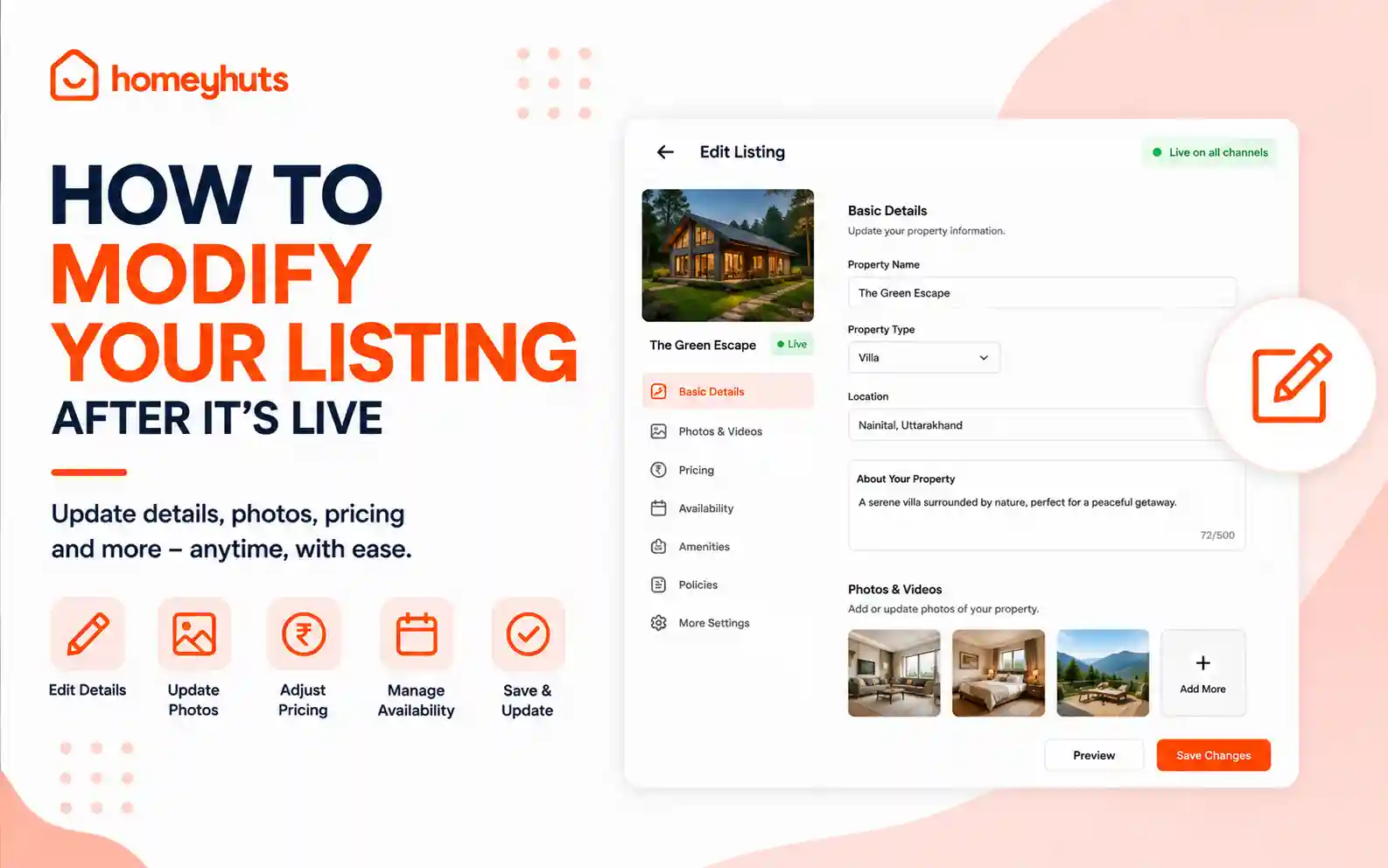
How to Modify Your Listing After It's Live
Once your property is live on Homeyhuts, you can update your listing anytime to keep it accurate and attractive for potential guests. Whether you want to refresh your photos, update your amenities, change your pricing, or revise your house rules, all these changes can be made directly from the Host Control Center.