
Introducing Account Verification on Homeyhuts
We're introducing Account Verification on Homeyhuts to help make our platform safer for hosts and guests. Hosts can now verify their identity through a simple process on the Homeyhuts mobile app. The submission process takes approximately 1 minute to complete.
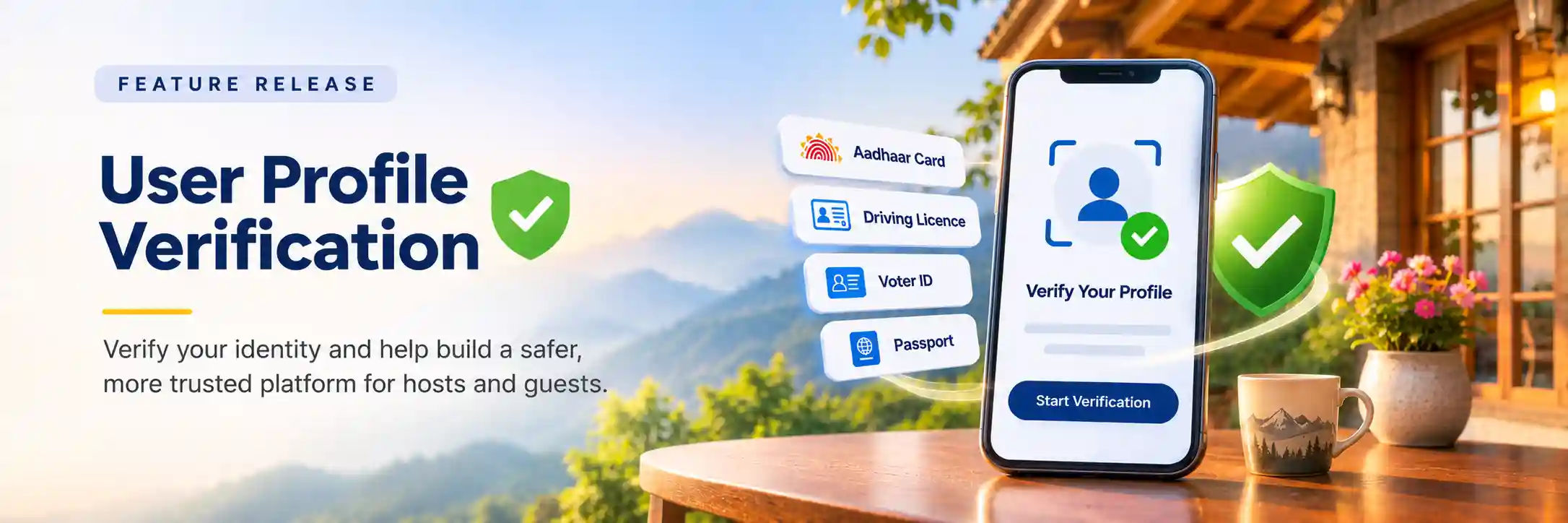
Introducing Account Verification on Homeyhuts
We're introducing Account Verification on Homeyhuts to help make our platform safer for hosts and guests.
Hosts can now verify their identity through a simple process on the Homeyhuts mobile app. The submission process takes approximately 1 minute to complete.
How to Complete Account Verification
Step 1: Open the Homeyhuts Mobile App
Open the Homeyhuts mobile app on your smartphone.
Step 2: Go to Profile Settings
Navigate to:
Menu → Profile & Settings → Account Verification
Tap Start Verification to begin.
Choose Your Government ID
You can verify your identity using an Aadhaar Card, Driving License, Voter ID, Passport, or another accepted government-issued ID.
Your ID must display your photograph and address.
Please note:
- PAN cards are not accepted for account verification.
- Your name on ID should match exactly with your name in Homeyhuts User Profile.
Step 3: Upload Your ID and Take a Live Photo
Upload clear photos of the required sides or pages of your government ID.
You'll also need to take a live photo of yourself so that your identity can be matched with your submitted ID.
Step 4: Submit for Verification
Once you've completed the steps, submit your details for verification.
Our verification process will check the information you provide. You'll receive updates through emails when there's a status update.
What if My Verification Cannot Be Completed?
If your ID details or photos cannot be read or matched, you'll be prompted to correct the issue and try again.
Make sure your ID photos are clear and your details are readable before submitting.
Important: Verification Is Available Only on the Mobile App
Account Verification can only be completed through the Homeyhuts mobile app. It cannot be completed directly from the Homeyhuts website.
We encourage all eligible hosts to complete their verification and keep their account information up to date.
Ready to Verify Your Identity?
Open the Homeyhuts mobile app and navigate to:
Menu → Profile & Settings → Account Verification
Follow the steps to complete your verification and help us make Homeyhuts safer for hosts and guests.
Complete your verification in a few simple steps and help us build a safer and more trusted Homeyhuts community!
Warm regards,
Team Homeyhuts