
Homeyhuts
PricingReviews
Start free trial
HomeyHuts

Turn your property into profits with Homeyhuts: zero-commission listing, direct bookings, and tools built for Indian hosts.

Company

  • About Us
  • Contact Us
  • Terms of Use
  • Privacy Policy
  • Cookie Policy

For Hosts

  • List Your Property
  • Host Like a Pro
  • Ground Rules for Hosts
  • Guest Guides

Help & Resources

  • Help Center
  • Blog
  • Travel Blog
  • Homeyhuts App Tutorials
  • State Regulations

Copyright © Homeyhuts. All rights reserved.

Popular Locations

  • Homestays in Goa
  • Homestays in Kerala
  • Homestays in Manali
  • Homestays in Rishikesh
  • Homestays in Udaipur
  • Homestays in Lonavala
  • Browse all stays
  • All locations
  • Pet friendly homestays
  • Couple friendly homestays
  • Workation stays in Himachal
  • Riverside cottages in Uttarakhand
  • Destination wedding venues in Goa
  • Destination wedding venues in Hyderabad
  • Home
  • Stay
  • Menu
Help Center/Properties and Listings/Homeyhuts Listing Manual: Create & Publish Your Propert
Properties and Listings

Homeyhuts Listing Manual: Create & Publish Your Propert

4 min readUpdated 17 Oct 2026Reviewed by Homeyhuts Editorial Team

Follow this step-by-step guide to create a complete property listing on Homeyhuts. Learn how to add property details, upload photos, configure pricing and policies, publish your listing, and connect it with OTAs for seamless booking management.
Homeyhuts Listing Manual: Create & Publish Your Propert

Homeyhuts Listing Manual

Step-by-Step Guide for Creating a Property Listing on Homeyhuts

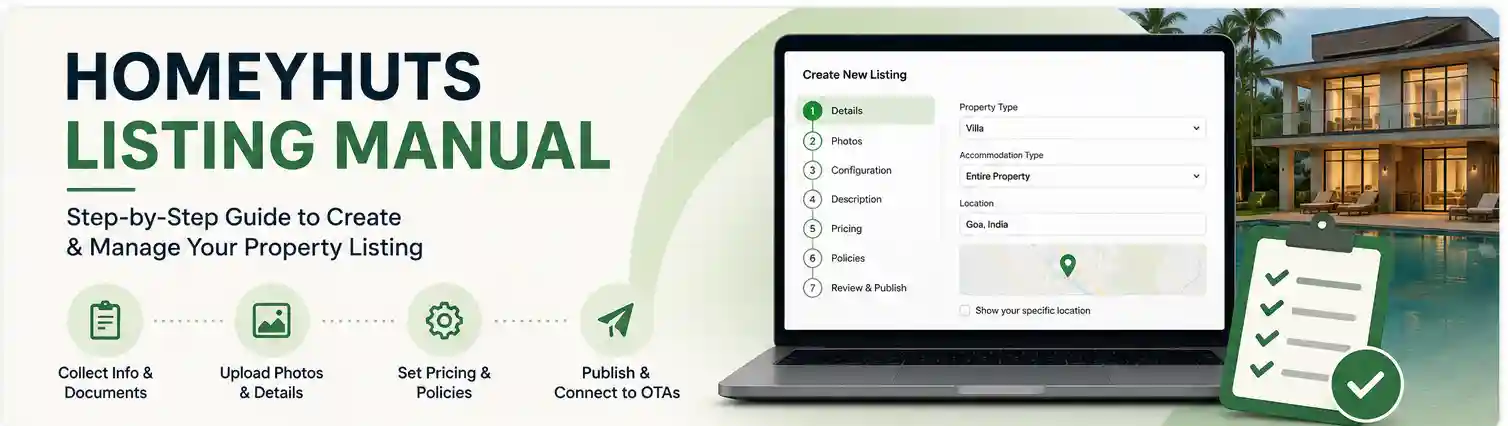
This manual explains the complete process of listing a property on the Homeyhuts platform.

Step 1: Collect Property Information from Owner and start listing

Before starting the listing process, gather all necessary details from the property owner

Through audit call

Keep property images sorted and edited on hand

Prepare pricing sheet and share it with owner

Take confirmation on name change if needed

Confirm configuration with owner

Collect the KYC documents

Listing process

Click on the create new listing to start a new listing

Select your property type

Select accommodation type by factoring that whether the property is Selling as entire property or Private room in a shared accomodation

Update Homeyhuts as a property manager for Managed by HH properties

Update the property location and verify in the Map. Also keep it off “show your specific location”

Step 2: Upload Property Images

Images are critical for booking conversions. And arrange the first 5 photo as the best photos, like Exterior view, living area, bedroom. Pool, Kitchen any other unique elements of the property.

Required Photos

  • Property Exterior
  • Room Interior
  • Bathroom
  • View from Property
  • Amenities Area
  • Dining Area
  • Surroundings

Image Guidelines

  • Minimum 10–15 images
  • High resolution
  • Landscape format preferred
  • No watermark
  • Submit any of the mentioned proof of ownership of the owner. You can also upload other documents as well like owner documents (Aadhar, any other IDs of the owner)

    Step 3: Update Property Configuration and guest count

    Identify the exact room configuration.

    Example Configuration

    • Entire Property (5BR Villa) and Keep the max Guest count as Guest Allowed

    Note: keep the guest count to 18 max at first only if the actual guest count is 19 or more, (since max occupancy on Channex is 18), later after creating base rate for CM connection can increase the guest count

    Update the amenities by checking the audit sheet of the particular property

    Then you can select up to 4 unique elements of the particular property on the next step

    Also you can update up to 4 experiences which is offered by the property if it is applicable

    Step 4: Property Description Creation

    Prepare structured and attractive description by using the Homeyhuts description Template and you can update the same here

    Also update neighbourhood details on the coming step

    Step 5: Set Pricing

    Define pricing for the listing, preferably a higher price as default price. Once the property live, we can optimize the year around pricing.

    Update check in time as per the information from audit sheet

    On the next step you can update about exterior camera whether it is there or not

    Keep instant booking off until a instruction came from our sales team or from the owner

    Step 6: Set Policies

    • Policies must be clearly defined. Keep the policy as Moderate policy as we are following a flexible policy for all properties under Managed by HH
    • Update the house rules by factoring the information from the audit sheet and paste the additional house rules template in the additional rules part
    • Update check in method and add check-in instruction as per our common template. For Hyderabad / Andhra properties add the dedicated check in instruction template which have Telugu playlist
    • Finish the listing, then it will go to pending for approval

    Step 7: Post Listing Management

    Quality Check

    after publishing the listing verify:

    Property name spelling

    Room configuration accuracy

    Pricing accuracy

    Image quality

    Map location accuracy

    Policies added

    Update Year around Calendar and Update promotion as 30% for HH managed properties also add Extra guest price

    Update owner details from Admin portal

    Update owner's bank account details from admin panel

    Then assign Host and owner from Admin portal

    On properties – Verification tab – search the property to be activate – click on the listing

    Make the status into published by clicking the top right option of Status

    Once listing is live you can proceed with Channel Manager OTA Integration

    Connect the property with OTA platforms.

    • Airbnb
    • MakeMyTrip
    • Booking.com
    • Agoda

    Outcome:

    After completing these steps, the property will be fully active on Homeyhuts and integrated with OTAs for booking management. Then sales team can take care of the listing for future bookings.

    Was this article helpful?
    Related articles
    New Homeyhuts Dashboard: A Complete Overview of Your Property's PerformanceHow to Modify Your Listing After It's LiveImport Your Airbnb Listing to Homeyhuts | Airbnb CloningHow to Start an Airbnb or Homestay Business in India Without Owning a Property
    Still stuck?

    Talk to our team.

    We can look at your account and fix it with you.

    Contact support