

Benefits of Using a Channel Manager
Learn how a channel manager helps you manage listings across multiple booking platforms, synchronize availability, prevent double bookings, and save time with centralized pricing and reservation management.
On this page
Benefits of Using a Channel Manager
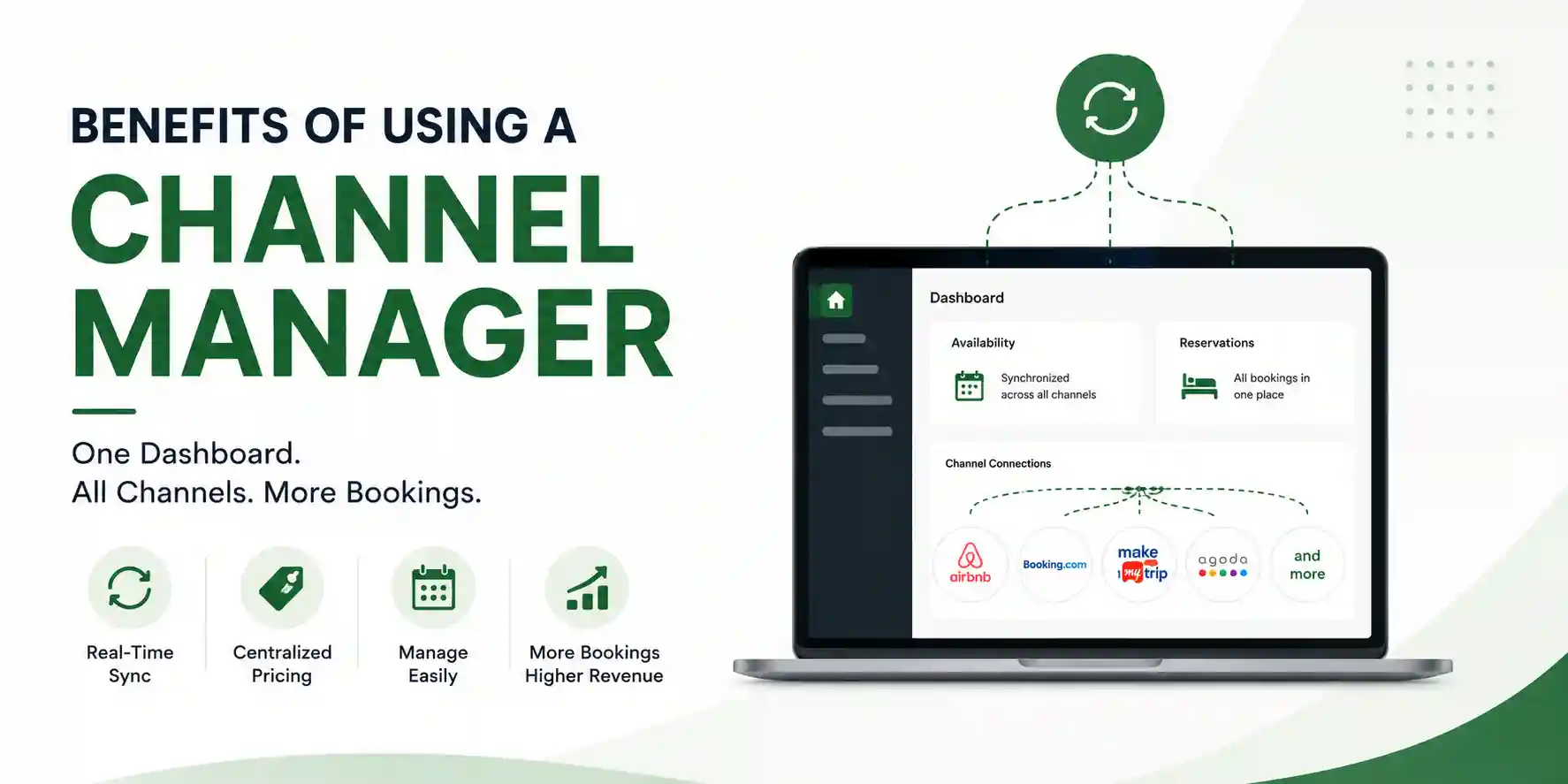
Managing your property across multiple booking platforms can quickly become time-consuming and prone to errors. A channel manager simplifies this process by keeping your availability, pricing, and reservations synchronized across all connected platforms, allowing you to manage everything from a single dashboard.
Whether you list your property on Airbnb, Booking.com, MakeMyTrip, or other OTAs, a channel manager helps you save time, reduce manual work, and maximize your revenue.
Real-Time Availability Synchronization
A channel manager automatically updates your property's availability across all connected booking platforms whenever a reservation is created, modified, or cancelled.
This helps you:
- Prevent double bookings.
- Keep all calendars synchronized in real time.
- Avoid delays commonly experienced with calendar imports such as iCal.
Centralized Pricing Management
Update your pricing once, and the changes are automatically reflected across all connected platforms.
You can easily manage:
- Weekend pricing.
- Holiday and seasonal pricing.
- Promotional offers and discounts.
This ensures consistent pricing while reducing the need for manual updates.
Manage Everything from One Dashboard
Instead of logging in to multiple OTA accounts, a channel manager allows you to manage your listings from a single place.
This is especially useful if you manage multiple properties or list on several booking platforms.
Automatic Reservation Updates
Whenever a guest books your property on one platform, the reservation is automatically synchronized across all connected channels.
This means:
- Availability is updated instantly.
- Reserved dates are blocked automatically.
- Manual calendar updates are no longer required.
Better Inventory Management
A channel manager gives you complete control over your property's availability.
You can easily:
- Block or unblock dates.
- Update room availability.
- Set minimum stay requirements.
- Manage your booking calendar from a single interface.
Reports and Performance Insights
Most channel managers provide reports that help you understand how your properties are performing.
You can monitor:
- Occupancy rates.
- Revenue.
- Booking trends.
- Platform-wise performance.
These insights help you make informed pricing and business decisions.
Why Use a Channel Manager?
Using a channel manager helps you:
- Save time by managing all listings from one place.
- Reduce manual work and human error.
- Prevent double bookings.
- Keep pricing and availability synchronized.
- Improve operational efficiency.
- Make better decisions using real-time reports and analytics.
Key Takeaway
A channel manager helps you manage your properties more efficiently by combining centralized control, real-time automation, and accurate synchronization. Whether you manage one property or many, it simplifies day-to-day operations while helping you deliver a better booking experience for your guests.